
Two Android phones can run the same operating-system version and still feel completely different.
A Google Pixel may present simple menus, restrained visual styling and tightly integrated Google services. A Samsung Galaxy can offer extensive personalisation, desktop-style multitasking and its own collection of apps. Xiaomi and OnePlus devices may rearrange notifications, change animations, add battery controls and introduce features not found on other Android phones.
These differences are commonly described as stock Android versus custom Android UI. The comparison sounds straightforward, but the term “stock Android” is often misunderstood. Neither category is automatically faster, more secure or better supported. The quality of the experience depends on how well the manufacturer develops its software for the phone beneath it.
What Does Stock Android Actually Mean?
Stock Android usually refers to an Android experience that stays relatively close to Google’s interface, system behaviour and app selection.
It is not a strict technical category. The true open-source foundation is the Android Open Source Project, commonly called AOSP. Google makes this code available so manufacturers can adapt Android for their own hardware. AOSP provides a functional mobile platform, but it does not include the complete set of consumer apps and cloud services normally associated with commercial Android phones.
Google Mobile Services, including apps and APIs commonly used for Maps, messaging, cloud functions and the Play Store, are separate from AOSP. A phone running bare AOSP would therefore not feel exactly like a Pixel.
In everyday conversation, “stock Android” usually means a clean, Google-led experience with limited manufacturer modification. Pixel phones are often treated as the reference example, although their software includes proprietary Google components and Pixel-specific tools such as Live Caption, smart text selection, notification actions and app predictions.
Some Motorola, Nokia and other phones may also be described as stock-like, even when their manufacturers add gestures, camera tools or supporting apps.
What Is a Custom Android UI?
A custom UI is a manufacturer-developed software layer built on top of Android.
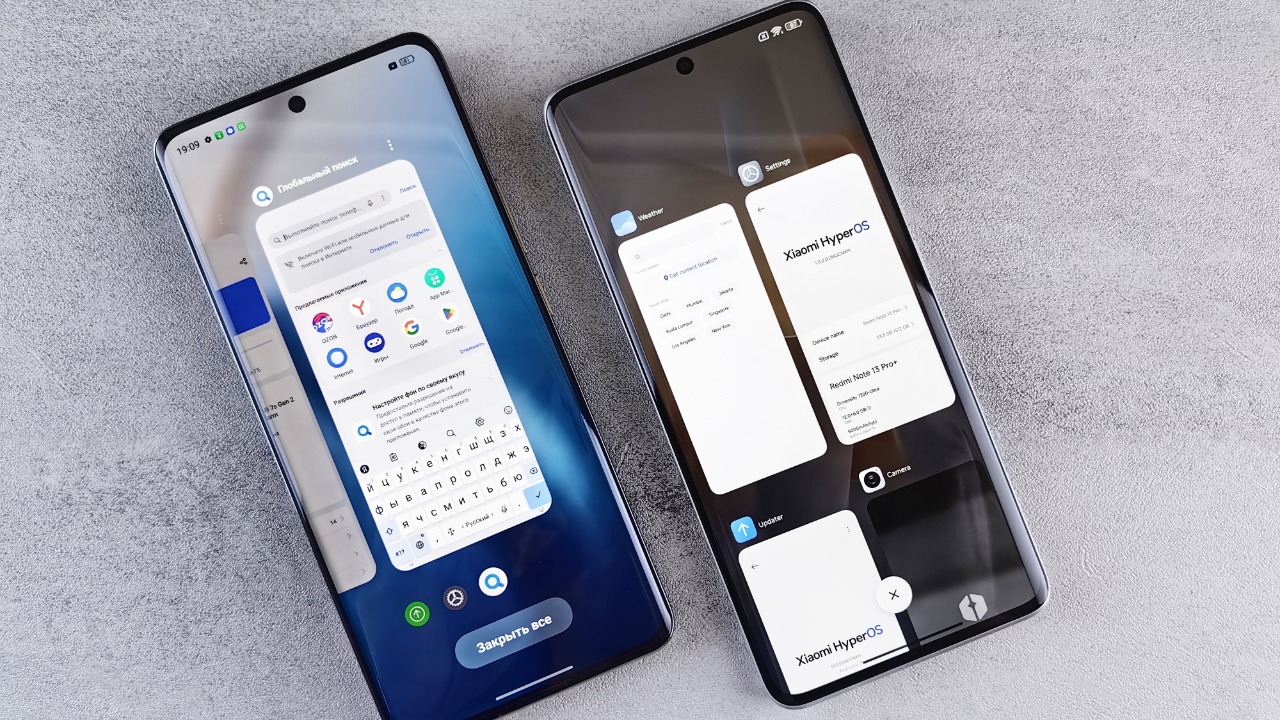
Samsung calls its version One UI. Xiaomi uses HyperOS, while OnePlus develops OxygenOS. These systems still run Android applications and must meet compatibility requirements when sold as Android-compatible devices, but their appearance, settings, animations and additional functions can differ considerably. Android’s compatibility programme exists partly to let manufacturers customise the platform without breaking the broader application ecosystem.
A custom UI is sometimes called a “skin,” but that description understates what manufacturers now change. Modern custom software can influence multitasking, camera processing, battery management, privacy controls, connected devices, artificial intelligence and long-term ecosystem integration.
Samsung’s One UI, for example, is designed around Galaxy phones, tablets and foldable devices. Xiaomi’s HyperOS focuses heavily on cross-device connectivity, while OxygenOS combines OnePlus styling with its own productivity and personalisation tools.
The Visual Experience Feels Different Immediately
The most noticeable difference appears on the home screen.
Stock-style Android usually follows Google’s Material design language. It tends to use prominent rounded elements, dynamic colours generated from the wallpaper and a consistent visual relationship between notifications, system controls and Google apps. Google describes Material 3 Expressive as an expansion of its design system covering themes, motion, typography and interface components.
Custom interfaces may change icon shapes, quick settings, lock screens, fonts and animations. They can also reorganise familiar menus. A setting found under “Battery” on one phone might appear inside a device-care application on another.
Samsung allows Galaxy owners to customise home screens, lock screens, keyboards and system behaviour through One UI and its Good Lock modules. Xiaomi offers its own lock-screen effects, multitasking controls and device-integration features.
The result is largely a matter of preference. A stock-style interface can feel easier to understand because fewer layers separate the user from standard Android behaviour. A custom interface can feel more personal and capable once its additional settings have been learned.
Custom UI Phones Usually Offer More Built-In Features
Custom Android software frequently adds functions before Google makes equivalent capabilities standard across the platform.
Samsung Galaxy devices can provide multi-window controls, extensive stylus integration on supported models and Samsung DeX. DeX creates a desktop-style workspace on compatible displays, allowing applications to appear in resizable windows with keyboard and mouse support.
Foldable phones also benefit from manufacturer software. A company designing both the hardware and interface can create specialised layouts for cover screens, hinges and large internal displays rather than waiting for generic Android features to support every design.
Stock-style Android normally provides fewer overlapping functions. Its advantage is clarity: features are less likely to be hidden across several manufacturer services, device-care dashboards and theme stores.
The choice depends on whether the buyer prefers a focused interface or a larger toolbox.
Preinstalled Apps Can Be Helpful or Annoying
A custom UI often arrives with manufacturer alternatives to Google applications.
A Samsung phone may include Samsung Internet, Gallery, Calendar, Notes and the Galaxy Store alongside Google apps serving similar purposes. Other brands may install security utilities, file managers, theme stores, cloud services or regional partner applications.
Some users appreciate these choices. Samsung Notes, for example, may work particularly well with Galaxy tablets and styluses. Manufacturer gallery applications can also contain editing features developed specifically for the phone’s cameras.
Others see duplicate apps as clutter. They may prefer one browser, one gallery, one app store and one cloud ecosystem.
Stock-style phones tend to provide a smaller and more Google-centred application collection, although they are not completely free from preinstalled services. The practical question is not whether software is preinstalled, but whether unnecessary applications can be disabled or removed.
Stock Android Is Not Automatically Faster
A simpler interface may look faster because it contains fewer animations, services and background features. That does not guarantee better performance.
Speed depends on the processor, storage, memory, thermal management and quality of software optimisation. A powerful custom-UI phone can feel smoother than a budget phone running a simpler interface.
Manufacturers can optimise their software around specific hardware. OnePlus, for example, promotes a reduced system footprint and performance-focused animations as part of OxygenOS. These are manufacturer claims rather than proof that every custom system is faster, but they illustrate how a modified interface can be designed around performance rather than merely adding visual effects.
Custom battery management can also be aggressive. It may extend standby time by restricting background activity, but those restrictions can delay notifications or interrupt applications that need to remain active.
A stock-style phone may manage apps more predictably. A custom phone may offer more battery controls but require the owner to understand them.
Update Speed Depends on the Manufacturer and Model
Stock Android has historically been associated with faster updates because Google controls both Pixel hardware and Android development. Supported Pixel phones are also among the first devices eligible for new Android releases and beta builds.
That advantage does not mean all custom-UI phones receive poor support.
Google promises seven years of updates for Pixel 8 and later models, beginning from their original US Google Store availability. Samsung also promises seven generations of operating-system upgrades and seven years of security updates for flagship lines such as the Galaxy S24 and S25 series.
Support can be considerably shorter on cheaper phones, regardless of whether their interface appears clean or heavily customised. Xiaomi states that support periods vary by model and that some devices receive longer coverage than others.
Update policy should therefore be checked for the exact phone. The UI category alone does not reveal how long that device will remain supported.
Custom Software Can Work Better With Brand Ecosystems
A custom UI becomes more valuable when several products from the same company are used together.
Samsung’s software connects Galaxy phones with tablets, watches, televisions and computers. Xiaomi’s HyperOS similarly promotes interaction across phones, tablets, wearables and smart-home devices.
Stock-style Android may provide a more neutral experience built around Google services. That can suit someone who changes phone brands regularly or primarily uses Google Photos, Drive, Messages and other platform-independent services.
A manufacturer ecosystem can offer deeper integration, but it may also make switching brands less convenient.
Which Type of Android Phone Is Better?
A stock-style Android phone is generally better suited to someone who values simplicity, consistent Google services and fewer duplicate applications. It can also appeal to users who want new Android features quickly and prefer an interface that requires little adjustment.
A custom UI phone is more appropriate for someone who wants extensive personalisation, advanced multitasking, specialised hardware features or stronger integration with other products from the same manufacturer.
Neither approach is automatically superior.
A poorly optimised stock-like phone can feel slow and unsupported. A well-designed custom UI can be smooth, secure and useful without becoming overwhelming. The opposite can also be true when manufacturer software adds unwanted apps, advertising or confusing battery restrictions.
The best comparison is therefore not stock Android versus custom Android in isolation. It is one specific phone, its software policy and its features against another.
Android provides the shared foundation. The user interface determines how much of the manufacturer’s personality is built on top of it.