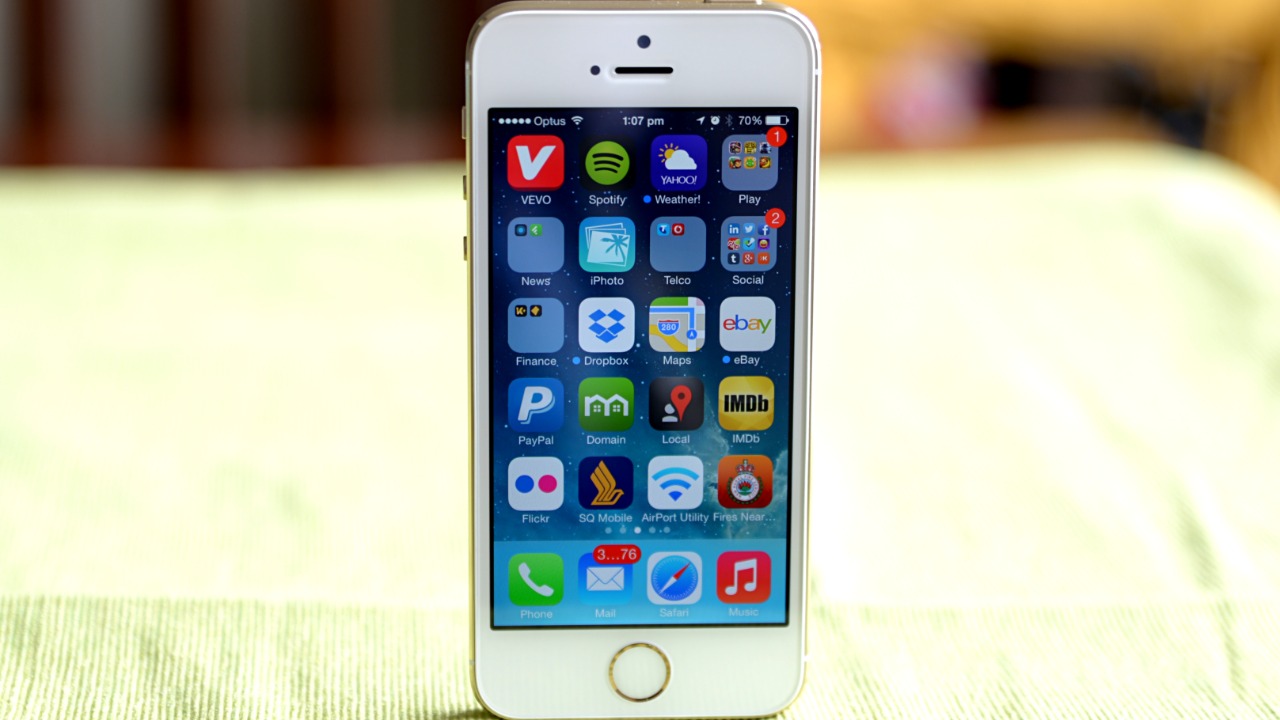

Apple’s iPhone X once represented the future of the smartphone.
It removed the Home button, introduced Face ID, brought OLED to Apple’s flagship phone and established a basic design language that continues to influence modern iPhones.
Now Apple has officially given it a very different label:
Obsolete.
Apple has added both the iPhone X and 15-inch 2018 MacBook Pro to its worldwide obsolete-products list. That means Apple has ended normal hardware servicing for the devices, and Apple Authorized Service Providers can no longer order replacement parts for them through Apple.
That sounds alarming if you still use one.
But “obsolete” has a specific meaning in Apple’s terminology.
Your iPhone X will not suddenly switch off.
Your MacBook will not become unusable overnight.
The biggest change concerns what happens when something breaks.
What Does Apple Mean by “Obsolete”?
Apple separates aging products into two important categories: vintage and obsolete.
A product generally becomes vintage after Apple stopped distributing it for sale more than five but less than seven years ago. During this period, repairs may remain available depending on replacement-part availability.
Once more than seven years have passed since Apple stopped distributing a product, Apple generally considers it obsolete.
That second classification is much more consequential.
Apple states that it discontinues hardware service for obsolete products and that service providers cannot order Apple parts for them.
So the important distinction is:
Vintage = official repairs may still be possible.
Obsolete = normal official hardware repair support has ended.
Which 2018 MacBook Pro Is Affected?
This detail is easy to miss.
Apple has not declared every 2018 MacBook Pro obsolete.
The newly obsolete model is specifically the:
MacBook Pro (15-inch, 2018).
Apple’s current support list still identifies the 13-inch 2018 MacBook Pro with four Thunderbolt 3 ports as vintage, rather than obsolete.
So if you own a 2018 MacBook Pro, check exactly which model you have before assuming Apple’s latest classification applies to it.
Why Did the iPhone X Reach Obsolete Status?
The iPhone X launched in November 2017.
Apple discontinued it relatively quickly, removing the model from its main lineup in September 2018 after introducing the iPhone XS and XR.
That discontinuation date matters because Apple’s service classifications are based primarily on how long it has been since the company stopped distributing a product—not simply how long ago the product was announced.
More than seven years have now passed.
The iPhone X has therefore moved from Apple’s vintage list to its obsolete list.
It is a remarkable milestone for a phone that once felt radically futuristic.
The iPhone X Changed the Entire iPhone Lineup
The significance of the iPhone X makes its retirement particularly noticeable.
Before 2017, the Home button was one of the iPhone’s defining characteristics.
Then Apple removed it.
The iPhone X replaced Touch ID with Face ID, introduced gesture navigation and used a 5.8-inch OLED display with the now-famous notch housing Apple’s TrueDepth camera system.
It also launched at $999 in the United States—an extraordinary price for a mainstream smartphone at the time.
Many competitors eventually followed Apple’s move toward edge-to-edge displays, gesture navigation and sophisticated facial authentication.
In other words, the iPhone X did not merely become another old iPhone.
It helped define what the modern iPhone became.
Your iPhone X Still Works
This needs emphasizing.
Apple declaring a device obsolete does not remotely disable it.
If your iPhone X works today, the obsolete designation does not prevent you from:
Making calls.
Sending messages.
Taking photographs.
Browsing websites.
Running compatible apps.
Using Face ID.
Connecting to Wi-Fi.
Using Bluetooth accessories.
The phone does not contain an expiration timer triggered by Apple’s support list.
The problem begins when hardware fails.
Apple Won’t Normally Repair It Anymore
Suppose the OLED display breaks.
Previously, an Apple Store or Apple Authorized Service Provider might have been able to perform an official repair if parts remained available.
Now the situation changes.
Apple says all hardware service is discontinued for obsolete products, and service providers cannot order official parts for them.
That means an owner with a damaged iPhone X will generally need to consider:
An independent repair shop.
Third-party replacement components.
Used original parts recovered from another iPhone X.
Or replacing the phone entirely.
That makes keeping an old device running progressively more difficult.
Independent Repair Shops Can Still Help
“Apple won’t repair it” does not mean “nobody can repair it.”
Independent technicians may still have compatible components.
Replacement batteries, displays, charging ports and other parts remain available through third-party supply chains.
Some repair businesses may even have genuine Apple parts remaining in inventory or components harvested from donor devices.
But there is an important trade-off.
Quality becomes less predictable.
A third-party OLED panel may not match the original display.
A cheap battery may have questionable longevity.
A used component may already have years of wear.
So repairs remain possible.
They simply become less standardized once Apple’s official supply chain disappears.
MacBooks Have One Important Exception
Apple provides a potentially useful exception for aging laptops.
The company says Mac laptops may remain eligible for battery-only repairs for up to 10 years after Apple last distributed the model, subject to parts availability.
That means “obsolete” does not necessarily close every official service possibility for the 15-inch 2018 MacBook Pro.
If the problem is specifically the battery, it is worth checking with Apple or an authorized provider before assuming service is impossible.
There is no guarantee.
Parts availability still matters.
But the extended battery-repair policy gives MacBook owners a little more breathing room.
Software Support Is a Separate Issue
Hardware-support status and software-support status are not the same thing.
Apple can classify hardware as obsolete while still issuing some software security updates.
The iPhone X illustrates this perfectly.
It cannot run iOS 17 or later. Its final major operating-system generation is iOS 16.
But Apple has continued providing occasional security fixes for older iOS versions. As of May 2026, the iPhone X received iOS 16.7.16.
So an obsolete hardware classification does not automatically mean:
“No more software updates starting today.”
The two timelines operate separately.
The 2018 MacBook Pro Has Reached a Similar Software Wall
The 15-inch 2018 MacBook Pro is an Intel-based machine.
It can run macOS Sequoia, but newer major releases are leaving older Intel Macs behind.
That reflects Apple’s much larger transition from Intel processors to its own Apple silicon.
When Apple introduced the M1 in 2020, it began a fundamental architectural shift.
Modern Macs now use Apple’s M-series processors.
As the software ecosystem increasingly targets Apple silicon, Intel Macs inevitably lose compatibility with new macOS releases and features.
The 2018 MacBook Pro therefore faces two aging processes simultaneously:
Hardware service is disappearing.
Major software support is ending.
App Compatibility May Eventually Become the Bigger Problem
A perfectly functioning old computer can become frustrating even without hardware failure.
Why?
Applications move forward.
Developers eventually stop supporting old operating systems.
Browsers require newer macOS versions.
Creative applications update their system requirements.
Security software moves on.
Eventually, users encounter messages such as:
“This version of macOS is no longer supported.”
That can matter more than processor speed.
An iPhone X may still feel perfectly responsive for basic tasks, but if important banking, workplace or authentication apps eventually require a newer version of iOS, continued use becomes much harder.
Obsolescence therefore happens gradually.
The hardware rarely becomes useless on one specific date.
The ecosystem slowly moves away from it.
Security Should Become a Bigger Consideration
This is where owners of older devices need to be more careful.
A device receiving no current major operating-system upgrades has a progressively smaller security window.
Apple may continue issuing important fixes to older software for some time, as it has with iOS 16.
But users should not assume those updates will continue indefinitely.
For a secondary phone used for music or photographs, that may not be particularly concerning.
For a device holding:
Banking applications.
Business email.
Passwords.
Authentication codes.
Sensitive documents.
Cryptocurrency wallets.
The security equation is different.
Once security updates stop entirely, upgrading becomes increasingly sensible even if the hardware still functions.
The 2018 MacBook Pro Had Another Infamous Problem
The 15-inch 2018 MacBook Pro belongs to Apple’s controversial butterfly-keyboard era.
Apple introduced butterfly keyboards in pursuit of thinner laptops, but users reported problems including repeating keys, sticky keys and characters failing to register.
Apple eventually created a keyboard service program covering affected models.
That repair program has since ended for these older machines.
This makes the new obsolete designation particularly relevant.
A failing keyboard on an aging 2018 MacBook Pro can now create a difficult repair decision.
Spend substantial money keeping an eight-year-old Intel Mac alive?
Or put that money toward a newer Apple-silicon Mac?
For many owners, the economics increasingly favor replacement.
Does “Obsolete” Mean You Should Upgrade Immediately?
Not necessarily.
If the device still performs everything you need and remains adequately secure for your use case, replacing it purely because Apple changed a support-page classification would be wasteful.
An old Mac can remain excellent for:
Writing.
Media playback.
Offline work.
Basic web browsing.
Local file storage.
Music production using older compatible software.
A functioning iPhone X can similarly serve as:
A backup phone.
Music player.
Smart-home controller.
Webcam.
Navigation device.
Children’s media device.
The question is not simply:
“Is Apple calling it obsolete?”
The better question is:
“Can this device still safely and reliably perform the job I need?”
When Should You Seriously Consider Replacing It?
The strongest argument for replacement comes when several problems begin appearing together.
The battery no longer lasts.
Apps stop supporting the operating system.
The device cannot receive important security updates.
Hardware begins failing.
Repairs become expensive.
Performance no longer meets your needs.
At that point, maintaining an obsolete device can cost more—in money and frustration—than replacing it.
For the 2018 MacBook Pro, the jump to even a relatively modest Apple-silicon Mac can also provide dramatic improvements in battery life, efficiency and performance.
Don’t Throw It in the Trash
If you decide to retire either device, ordinary household trash should not be the destination.
Smartphones and laptops contain batteries, metals and electronic components that should be handled through appropriate recycling channels.
Apple operates a trade-in and recycling program that accepts devices even when they no longer have meaningful trade-in value.
Before recycling an iPhone, back up important information, sign out of your Apple Account, disable Find My and erase the device.
Mac owners should similarly back up files and properly erase the computer before handing it over.
Apple “Obsolete” and Actually Useless Are Two Very Different Things
That is ultimately the most important distinction.
The iPhone X is now officially obsolete.
The 15-inch 2018 MacBook Pro is officially obsolete.
But Apple’s definition is primarily about serviceability, not whether the device can still perform useful work.
Apple’s own policy says obsolete products are those it stopped distributing more than seven years ago, and normal hardware service ends at that stage.
Your device does not suddenly become slower because its name appeared on that list.
Its screen does not turn off.
Its files do not disappear.
The real change is that the safety net beneath it is disappearing.
If something breaks, Apple may no longer be able to fix it.
If newer software leaves it behind, compatibility will gradually shrink.
And if security updates eventually stop, continuing to use it for sensitive activities becomes increasingly difficult to justify.
The iPhone X once represented Apple’s vision of the future.
Nine years later, much of that future—Face ID, OLED displays, gesture navigation and nearly edge-to-edge screens—is simply considered normal.
Perhaps that is the strangest part of seeing it labeled obsolete.
The phone itself became old.
The ideas it introduced didn’t.