
pple’s upcoming macOS 27 Golden Gate update represents another major step away from physical media. Early developer documentation indicates that the operating system is removing a core technology that Mac applications have used for native DVD playback.
Apple’s official macOS 27 Golden Gate preview focuses heavily on artificial intelligence, Siri improvements, visual changes and performance upgrades. DVD playback is not presented as part of the update, but a significant removal appears within the technical release notes.
The macOS 27 developer release notes state that Apple has removed the DVDPlayback framework from the Golden Gate software development kit. Developers can no longer build applications against that framework. This effectively ends Apple’s continuing support for the system-level technology historically used to decode and control DVD video.
Reports also indicate that Apple’s long-standing DVD Player application may disappear or lose functionality once Golden Gate receives its public release. However, macOS 27 remains in beta, so the exact applications included in the final version could still change before its expected fall launch.
What the DVDPlayback Framework Actually Does
The DVDPlayback framework is more important than its name may suggest. It provides software components that applications can use to recognize DVD video structures, display menus, select chapters, control playback and handle other disc-specific functions.
Apple’s DVD Player application has traditionally offered a straightforward way to watch movies from a built-in or external optical drive. The current DVD Player User Guide still explains that compatible Macs can play discs through an internal drive or an external device such as a SuperDrive.
Removing the development framework means third-party applications that rely on Apple’s DVD technology will eventually need to adopt their own playback engines or discontinue DVD support. It also signals that Apple no longer considers physical movie discs an important part of the standard Mac experience.
The change does not mean that macOS Golden Gate will stop recognizing every optical disc. Data DVDs may still appear in Finder when connected through a compatible external drive, and music CDs can use separate playback technologies. The removal specifically affects Apple’s native DVD-video playback infrastructure rather than eliminating all communication with optical drives.
Why Apple Is Ending Native DVD Support
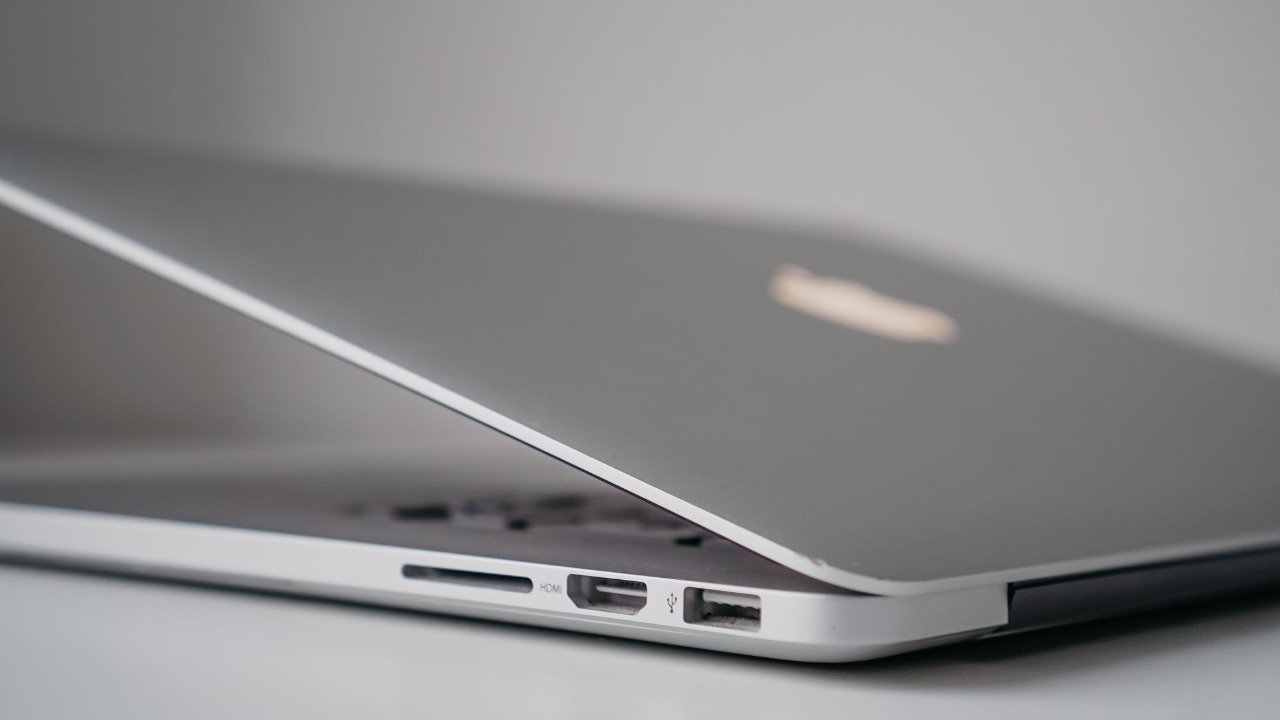
Apple has been moving away from physical media for many years. Current Mac computers are designed around digital downloads, cloud storage, streaming platforms and compact hardware without built-in optical drives.
Anyone who wants to play a disc on a modern Mac normally needs a USB or USB-C optical drive. Apple’s current guide to playing CDs and DVDs on a Mac confirms that an external optical drive can be connected to access music, movies and files stored on discs.
Maintaining an ageing playback framework requires engineering, security testing and compatibility work. DVD technology also involves old software architecture, copy-protection systems and regional playback restrictions that do not fit comfortably with Apple’s increasingly streamlined operating system.
Streaming has further reduced the number of Mac owners who regularly insert movie discs. Apple is therefore directing development resources toward technologies used by a much larger share of its customers.
That reasoning may make sense commercially, but it does not make DVD collections worthless. Many films, television programs, documentaries, concerts and educational materials remain unavailable through permanent digital purchases. Streaming availability can also change when licensing agreements expire.
For collectors, schools, libraries and households with large disc collections, local playback continues to serve a practical purpose.
The Free Solution Is VLC Media Player
Mac owners will not necessarily have to abandon their DVDs after installing Golden Gate. The most practical replacement is VLC Media Player.
VLC is a free, open-source multimedia application developed by the nonprofit VideoLAN project. It supports a wide range of video and audio formats without depending entirely on Apple’s DVDPlayback framework.
The official VLC download page for macOS states that the application can play DVDs, audio CDs, VCDs, multimedia files and various streaming protocols. VLC supports both 64-bit Intel Macs and Apple silicon systems.
Its independence is the crucial advantage. Because VLC uses its own open-source playback libraries, the disappearance of Apple’s framework should not automatically prevent it from opening compatible DVD video.
VideoLAN also maintains libdvdnav, a library that handles features such as DVD menus, multiple camera angles and interactive disc navigation. This allows VLC to treat a DVD as a structured presentation rather than merely opening individual video files stored on the disc.
How DVD Playback Will Work in VLC
A Mac will still require a compatible external optical drive because current models do not include an internal DVD mechanism. Once the drive is connected and the disc is inserted, VLC can be downloaded from the official VideoLAN website and moved into the Applications folder.
Inside VLC, the user can open the File menu, choose the disc-opening option and select DVD as the source. The application should then read the disc and display its available menu or begin playing the main title.
This process adds a few steps compared with Apple’s automatic DVD Player experience, but it provides additional format support and playback controls. VLC can also play VIDEO_TS folders, common media files and locally stored disc backups where their creation and use comply with applicable copyright law.
Commercial DVDs may still present compatibility issues. Disc-region restrictions can be enforced partly by the optical drive’s firmware, and VideoLAN notes that some drives will not provide the raw access needed to work around a mismatched region. VLC should therefore not be treated as a guaranteed method of bypassing a disc or drive’s regional limitations.
Existing DVD Applications May Need Updates
VLC is likely to remain useful because it brings its own playback technology, but the future may be less certain for smaller applications built around Apple’s framework.
An app can continue operating temporarily when an old framework remains inside the operating system, even when developers can no longer build new versions against it. Once Apple removes that framework completely, dependent applications may fail to open discs or lose specific controls.
The current release notes confirm removal from the macOS 27 SDK. That is a clear warning to developers, although it does not by itself prove that every part of the runtime framework will vanish from the first public Golden Gate release.
Mac owners who depend on a particular commercial DVD application should therefore check the developer’s compatibility statement before upgrading. Remaining on an older macOS version may preserve playback temporarily, but it also means eventually missing security and compatibility updates.
Installing VLC before upgrading provides a simpler fallback.
DVD Ownership Still Has Advantages
Physical discs may appear outdated beside modern streaming platforms, but they retain several benefits. A DVD does not disappear when a subscription ends or a distributor loses streaming rights. It can be played without an internet connection, and it may include commentary tracks, deleted scenes or alternative edits that are absent from digital services.
Disc quality is also predictable. Streaming performance can decline when internet bandwidth becomes limited, while a local DVD delivers the same encoded video each time it is played.
The inconvenience comes from hardware and software support. Optical drives have become separate accessories, discs can be scratched and operating-system developers have fewer incentives to maintain legacy playback tools.
Apple’s decision does not kill the DVD, but it removes the expectation that a Mac will support movie discs without additional software.
Golden Gate Marks the End of a Mac Era
DVD Player survived long after optical drives disappeared from Apple’s mainstream computers. Its continued presence gave Mac owners a hidden bridge between modern hardware and older media collections.
macOS Golden Gate appears ready to remove that bridge. Apple is retiring the underlying development framework, and reports indicate that the native player may no longer remain a dependable option after the update.
Fortunately, the solution does not require a paid subscription or an expensive media application. An external optical drive and the free VLC player should allow many Mac owners to continue accessing their collections.
The experience will no longer be fully built into macOS, but DVD playback itself is not disappearing. It is simply moving from an Apple-maintained feature to third-party software.