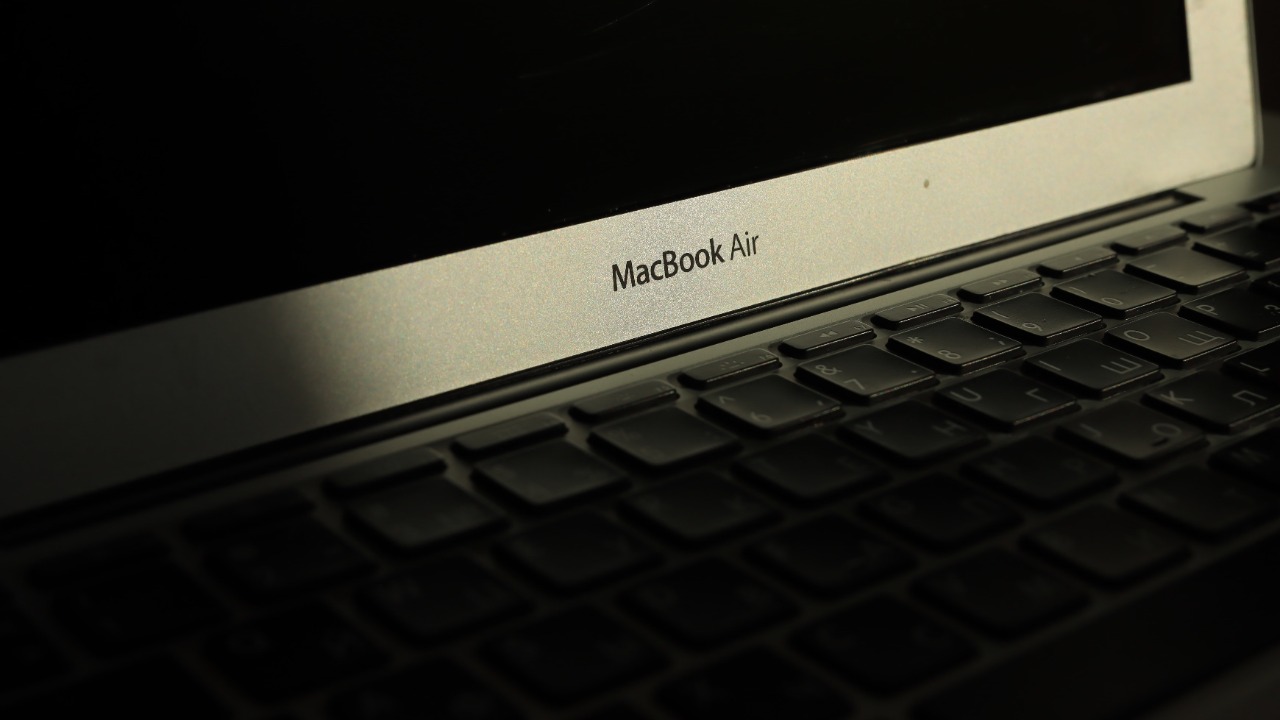

The M1 MacBook Air was transformative when Apple introduced it in 2020. It delivered strong performance, silent operation and exceptional battery life while avoiding the heat and fan noise associated with many Intel-powered ultraportable laptops.
Six years later, it remains surprisingly capable. The M1 Air can still handle web browsing, office software, online classes, programming, photo editing and everyday creative work. Apple also continues to support it with current macOS releases, so it has not yet become an abandoned legacy machine.
However, buying one in 2026 requires more caution than it did a few years ago. Most available units are used or refurbished, their batteries may be significantly worn, and the common 8GB memory and 256GB storage configuration can feel restrictive. Newer MacBooks offer better webcams, additional display support, faster processors and longer remaining software-support periods.
The M1 MacBook Air is still worth buying when it is inexpensive, in good condition and matched to relatively light workloads. It is much harder to recommend when its price approaches that of a newer model.
The M1 Chip Is Still Fast Enough for Everyday Work
The M1 MacBook Air uses an eight-core processor with four performance cores and four efficiency cores. Depending on the original configuration, it includes a seven-core or eight-core graphics processor and a 16-core Neural Engine.
That hardware remains sufficient for common daily tasks. The laptop can comfortably manage several browser tabs, documents, spreadsheets, video calls, music streaming and basic image editing.
It can also support programming, website development and lighter creative applications. Apple’s hardware-accelerated media engines help with formats such as H.264 and HEVC, making the machine useful for moderate video work.
The limitations become clearer with prolonged professional workloads. Large video projects, complex three-dimensional rendering, advanced artificial-intelligence models and heavily layered creative files can overwhelm the base configuration.
Because the MacBook Air has no cooling fan, it operates silently. That remains one of its best features. The trade-off is that sustained heavy processing can cause the chip to reduce performance as heat builds.
For a student, writer, remote worker or general home user, the M1 remains fast enough. For someone buying a primary workstation for demanding professional software, a newer and more powerful Mac is a safer long-term choice.
Apple Still Supports It With Current macOS Versions
Software support is one of the strongest reasons the M1 Air remains relevant.
Apple officially lists the 2020 M1 MacBook Air as compatible with macOS Tahoe 26. Apple’s newer macOS compatibility information also includes MacBook Air models with Apple silicon introduced in 2020 or later, indicating that the original M1 generation remains inside the supported ecosystem in 2026.
The M1 chip also supports Apple Intelligence features available on compatible Macs, although feature availability varies by language, region and macOS version.
Continued operating-system support means the laptop can receive current browser versions, security improvements and application updates. It does not guarantee that Apple will support the M1 Air for a specific number of additional years because Apple does not publish a fixed end-of-support date for individual Mac models.
A buyer should assume that the machine has fewer years of major updates remaining than a newly released MacBook. That does not make it unusable, but it affects long-term value.
Someone planning to keep the laptop for only two or three years may find the remaining support adequate. A buyer expecting six or seven additional years should consider a newer model.
Battery Life Can Still Be Excellent, but Used Batteries Are the Risk
Apple originally rated the M1 MacBook Air for up to 15 hours of wireless web use and up to 18 hours of video playback. It contains a 49.9-watt-hour battery and charges through USB-C using a 30-watt adapter.
Real-world battery life depends on brightness, applications, browser activity and battery condition. A well-maintained unit can still last through much of a normal working day.
The problem is age. A MacBook Air purchased near its 2020 launch may now have accumulated hundreds of charging cycles. Lithium-ion batteries gradually lose capacity even when treated carefully.
Before purchasing a used unit, the buyer should inspect the battery cycle count and maximum-capacity reading in macOS. A battery reporting substantially reduced health may require replacement sooner than expected.
Battery replacement cost should be included in the total purchase calculation. A cheap MacBook with a worn battery, damaged charger and uncertain repair history may be less economical than a more expensive certified refurbished model.
The best used example is not always the one with the cleanest case. Battery health, display condition, keyboard reliability and internal activation status matter more than minor cosmetic scratches.
The 8GB Memory Configuration Is the Biggest Limitation
Most M1 MacBook Air units on the used market have 8GB of unified memory.
Apple’s unified-memory architecture allows the processor and graphics system to share one fast memory pool, so 8GB often performs better than buyers expect. It is still only 8GB, and it cannot be upgraded later.
The base model works well for ordinary browsing, writing and streaming. Pressure builds when the user opens many browser tabs, runs several professional applications or works with large media files.
macOS can compensate by moving data to the SSD, but frequent swapping is slower than having sufficient memory available. It also reduces the system’s ability to manage heavier future applications comfortably.
A 16GB M1 Air is the better purchase for programming, photo editing, music production and long-term ownership. Unfortunately, those configurations are less common and often priced close to newer MacBooks.
The same issue applies to storage. The common 256GB SSD can fill quickly after accounting for macOS, applications, photos and offline files. External storage and cloud services can help, but they reduce the simplicity of using a thin portable laptop.
The Display and Design Still Hold Up Well
The M1 MacBook Air has a 13.3-inch Retina display with a 2560-by-1600 resolution, 400-nit brightness, P3 wide-color support and True Tone.
The screen remains sharp and suitable for documents, streaming and routine creative work. Its color quality is still better than that of many inexpensive laptops.
The design is also lightweight at approximately 1.29 kilograms, or 2.8 pounds. It includes a comfortable keyboard, a large Force Touch trackpad and Touch ID for unlocking the computer and authorizing purchases.
The older wedge-shaped enclosure has larger display borders than newer MacBook Air designs. It also uses a 720p FaceTime camera, which produces a softer image than the improved webcams in later models.
Its connectivity is limited to two Thunderbolt and USB 4 ports on the left side plus a headphone jack. Charging occupies one of those USB-C ports unless a dock or adapter provides pass-through power.
The M1 Air also officially supports only one external display at up to 6K resolution. Users who need a two-monitor desktop setup should choose a newer model with suitable native display support or accept an imperfect adapter-based workaround.
Used and Refurbished Prices Determine Whether It Is a Good Deal
The M1 Air’s value in 2026 depends almost entirely on price.
Current refurbished-market tracking has shown entry-level M1 Air listings beginning around the mid-$300 range, though exact prices change with condition, memory, storage and warranty coverage.
At roughly $350 to $450 for a clean 8GB and 256GB example with good battery health, the M1 Air can be an excellent general-purpose laptop. It offers better efficiency, build quality and trackpad performance than many low-cost alternatives.
Once the price moves substantially above $500, the decision becomes less attractive. Buyers should compare it with newer Apple-silicon MacBooks offering more memory, improved cameras, newer designs and longer expected support.
The lowest listing should not be accepted automatically. A reliable seller, return period and written warranty can be worth paying more for.
Apple’s certified refurbished products generally include stronger warranty protection, but M1 inventory may be limited because Apple discontinued the model years ago. Marketplace and independent refurbisher listings vary widely in quality.
Who Should Still Buy the M1 MacBook Air?
The M1 Air remains well suited to students, writers, office workers and home users who need a portable computer for everyday work.
It is also a sensible secondary laptop for travel, email, presentations and remote access. Its fanless design makes it especially appealing in quiet classrooms, libraries and recording environments.
It is less suitable for people who need several external monitors, large internal storage, upgradeable memory, demanding gaming or sustained professional rendering.
A buyer should also avoid locked devices. Before money changes hands, the seller should sign out of iCloud, disable Find My Mac and erase the computer properly. The laptop should reach the normal setup screen without requesting another person’s Apple Account credentials or an organization’s remote-management login.
The Final Verdict
The M1 MacBook Air is still worth buying in 2026, but it is now a budget purchase rather than the automatic recommendation it once was.
Its performance remains strong for everyday computing, its display and build quality still feel premium, and Apple continues to support it with current macOS software. The silent design and efficient M1 chip also remain genuinely useful advantages.
Its age introduces real compromises. Battery wear varies between units, 8GB of memory is increasingly restrictive, the 256GB SSD is small, and the single-external-display limit can interfere with professional setups.
A well-maintained unit at approximately $350 to $450 can still deliver excellent value. A 16GB version is even better when the price remains reasonable. At prices approaching newer MacBook models, buyers should skip the M1 and pay for newer hardware, more remaining software support and fewer compromises.