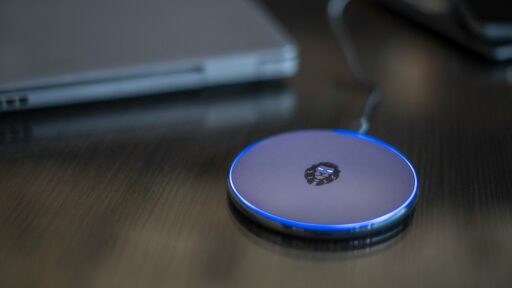
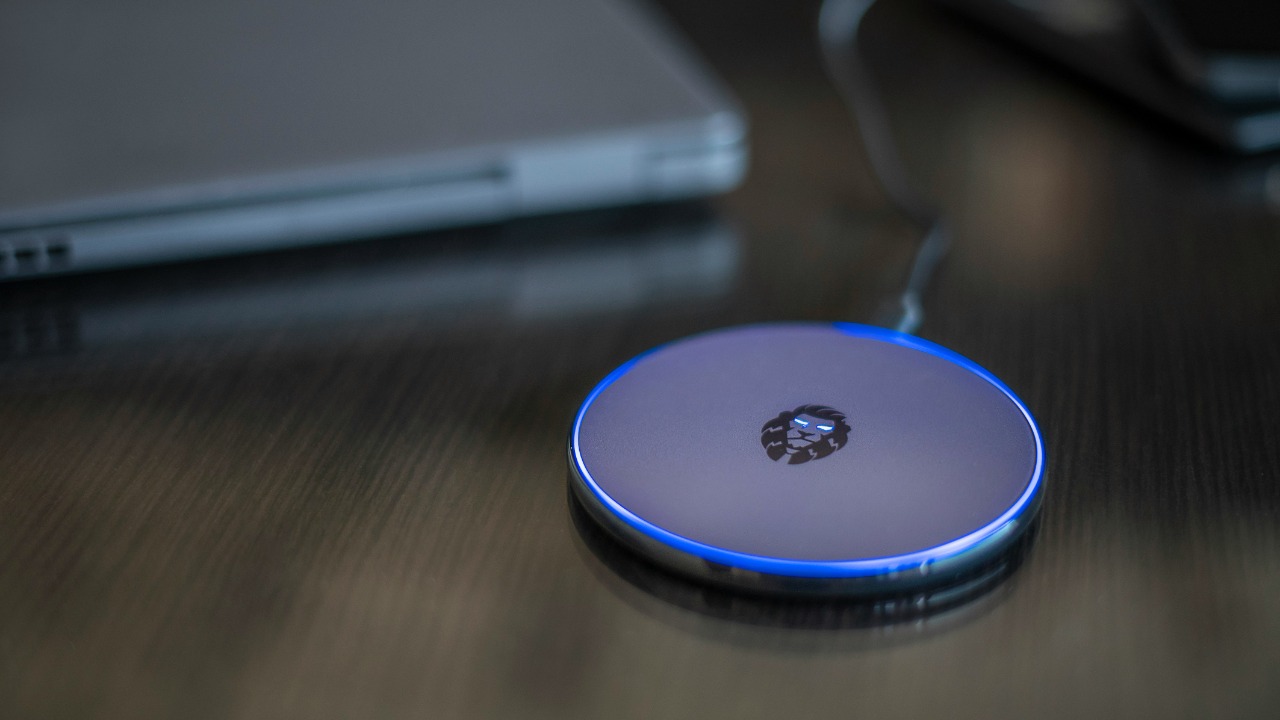

Wireless charging makes powering a phone feel effortless. A user places the device on a pad or magnetic stand, and charging begins without repeatedly connecting a cable. It can reduce wear on the charging port, simplify a bedside setup and make short charging sessions more convenient.
That convenience, however, comes with compromises. Wireless charging transfers electricity through electromagnetic induction rather than through a direct physical connection. The charging pad creates a magnetic field, while a receiving coil inside the phone converts that field back into electrical energy.
Modern standards such as Qi2 have improved alignment, speed and interoperability, but wireless charging still does not outperform a good wired charger in every situation. The three biggest disadvantages are slower charging, additional heat and energy loss, and stricter positioning and accessory requirements.
1. Wireless Charging Is Often Slower Than Using a Cable
The first disadvantage is charging speed. Wireless chargers must transfer power across a small physical gap between two coils, while a wired charger delivers electricity directly through the phone’s charging port.
Maximum charging speed varies considerably according to the phone, charging pad, power adapter and wireless standard. A charger advertised at a particular wattage will not necessarily deliver that full amount to every compatible phone.
Standard Qi chargers may operate at relatively modest speeds, particularly when used with a phone from a different manufacturer. Even when both products support fast wireless charging, the phone and charger must complete a compatibility negotiation before the highest supported power level becomes available.
The Wireless Power Consortium introduced Qi2 to improve this experience. Its official Qi wireless charging overview explains that magnetic attachment aligns the charging coils more accurately, improving efficiency and supporting faster charging. Qi2 initially enabled certified 15-watt charging, while the newer Qi2 25W specification can deliver considerably more power to compatible devices.
Nevertheless, the fastest wired charging option available for a particular phone may still be quicker. Wired power is therefore generally more suitable when a battery is nearly empty and the user has limited time before leaving home.
Wireless charging speed may also fall below its advertised maximum when the phone becomes warm, the case interferes with energy transfer or the charging coils are not centred correctly. Google’s guidance for slow Pixel wireless charging recommends cooling the phone, removing the case and checking its alignment on the charger.
This makes wireless charging better suited to situations where the phone can remain on the charger for an extended period. It may work well on a desk or bedside table, but it is less dependable when rapid battery recovery is the priority.
2. Wireless Charging Can Produce More Heat and Waste More Energy
Wireless power transfer involves several energy conversions. Electricity passes through the charging pad’s coil, becomes an electromagnetic field and is converted back into electrical energy by the phone.
Not all the incoming energy reaches the battery. Some is lost during conversion and transfer, with much of that lost energy becoming heat. Poor alignment increases the problem because the charger must work less efficiently to transfer power between the coils.
Qi2’s magnetic system was created partly to address this weakness. The Wireless Power Consortium states that accurate alignment reduces energy loss that can occur when a phone and charger are positioned incorrectly.
Some warmth during charging is normal and does not mean the phone or charger is defective. Apple acknowledges in its MagSafe charging guidance that an iPhone and MagSafe Charger may become slightly warmer while charging.
The problem begins when heat builds faster than the device can release it. A phone may respond by reducing charging power or temporarily stopping the process. Apple explains that iOS can slow or pause charging when the device becomes too warm, helping protect the battery’s long-term health.
Google provides similar advice for Pixel phones. Its wireless-charging support guidance recommends keeping the device away from direct sunlight, removing heat-trapping cases and ensuring that the charger does not block airflow.
Heat matters because temperature history contributes to the chemical ageing of lithium-ion batteries. Apple’s battery maintenance guidance states that a battery warms during charging and that repeated exposure to high temperatures can reduce its lifespan. The phone manages charging current partly to limit this effect.
This does not mean ordinary wireless charging will rapidly destroy a battery. Modern phones include temperature sensors, charging controls and automatic safeguards. Daily wireless charging is generally safe when a compatible, certified charger is used under normal conditions.
However, a phone that regularly becomes unusually hot on a wireless pad deserves attention. Thick cases, poor positioning, demanding applications, direct sunlight and warm rooms can all increase the thermal load.
The charger should remain on a hard, ventilated surface rather than a bed, couch or other material that traps heat. The phone should also not be used for intensive gaming, navigation or video recording while it is already struggling to remain cool during charging.
From an energy perspective, the difference for one phone may appear small. Across repeated daily charging and millions of devices, however, lower efficiency means more electricity must be drawn to deliver the same amount of usable energy to batteries.
3. Positioning, Cases and Accessories Can Interrupt Charging
A cable usually continues charging as long as the connector remains inserted. A wireless charger depends on the phone’s receiving coil staying within the charger’s effective transfer area.
With an ordinary flat Qi pad, moving the phone slightly can slow the process or stop it completely. A user may believe the phone is charging overnight only to discover in the morning that it was not positioned correctly.
Magnetic systems such as MagSafe and Qi2 reduce this risk by pulling the phone into alignment. However, both the phone and charger must support the appropriate magnetic charging system. Older Qi devices may not include built-in alignment magnets.
Google notes that earlier Pixel models supporting Qi 1.x lack the magnetic alignment provided by Qi2, which can result in inconsistent or unsuccessful charging when used with certain magnetic chargers.
Phone cases create another potential complication. Thick materials increase the distance between the charging coils, while metal plates, card holders, ring grips and poorly positioned magnets can interfere with power transfer.
Apple’s wireless charging instructions advise removing thick, metal or battery cases when an iPhone charges slowly or fails to charge. Google similarly advises removing metallic and magnetic accessories when diagnosing slow wireless charging.
Metal objects should never be placed between the phone and charger. Coins, keys, jewellery and magnetic mounting plates may become warm or prevent charging from working correctly. Apple specifically warns users to keep metallic foreign objects away from wireless charging surfaces.
Wireless charging can also make a phone less convenient to use during the charging session. A device lying flat on a pad must usually remain in place. Picking it up to answer a call, take a photograph or walk around interrupts charging immediately.
A magnetic stand or puck solves part of this problem because the phone can be held upright or lifted together with the charger. However, that setup adds another accessory and may require a compatible case and separate power adapter.
Wireless charging is therefore not entirely wireless. The pad or stand still requires a cable connected to a power source, and achieving the highest advertised speed may require a particular adapter that is not included with the charger.
Wireless Charging Is Convenient, but It Should Not Replace Every Cable
Wireless charging works best as a convenient secondary charging method. It is well suited to a desk, bedside table or vehicle where a phone can receive small amounts of power throughout the day.
Wired charging remains the stronger option when speed, efficiency and uninterrupted phone use matter most. It is also easier to troubleshoot because the physical connection removes uncertainty about coil alignment.
A household does not need to choose one method exclusively. Wireless charging can handle routine top-ups, while a compatible USB-C cable can remain available for rapid charging, travel and situations where the phone is already warm.
Qi2 and magnetic alignment are addressing several traditional weaknesses, but they do not remove every limitation. Charging speed still depends on the complete setup, energy is still lost during wireless transfer, and cases or accessories can still affect performance.
The most practical approach is to treat wireless charging as a convenience rather than an automatic upgrade in every category. It reduces cable handling, but that benefit is exchanged for slower charging in some situations, additional heat and more demanding placement requirements.