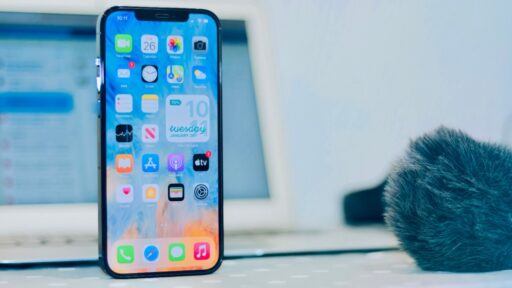
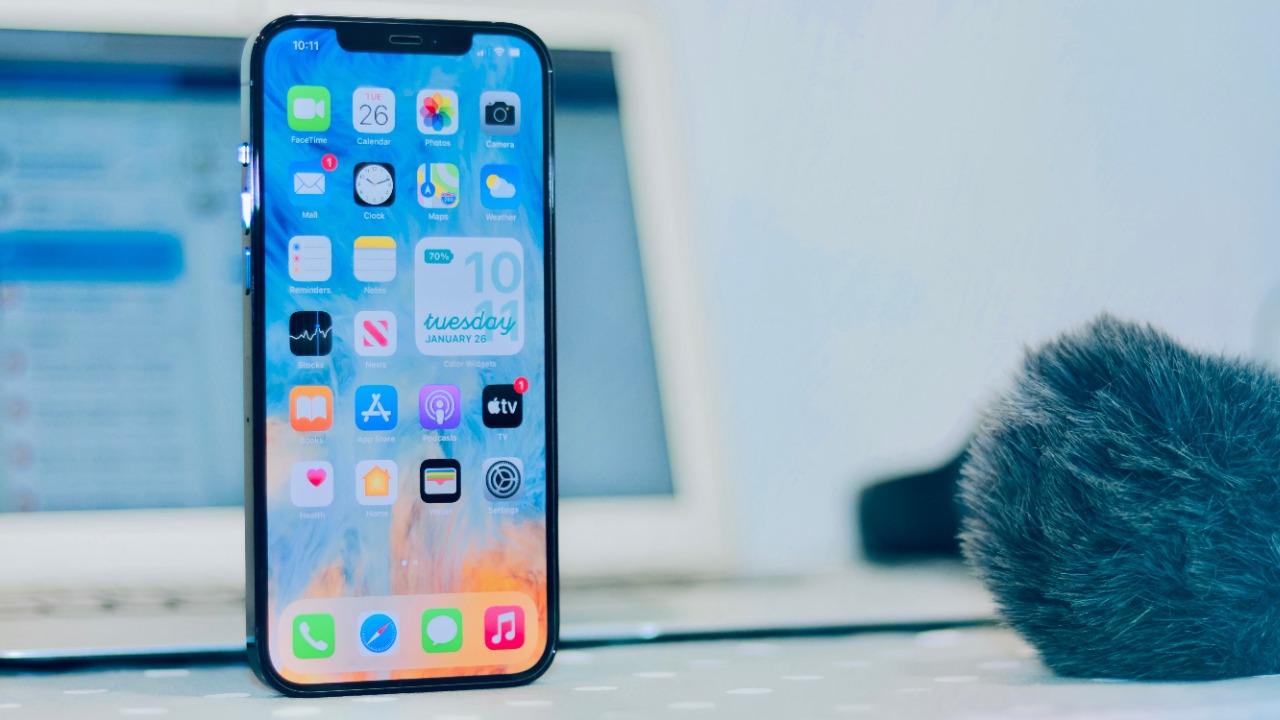

Apple is sending critical security alerts directly to the Lock Screens of iPhones and iPads running outdated software, warning users that active web-based attacks could put their personal data at risk.
The notification tells affected users that Apple is aware of attacks targeting older iOS software, including the version installed on their device. It urges them to install a critical update immediately rather than delaying it as they might with an ordinary software release.
Why Apple Is Sending These Alerts
Security researchers recently identified attack tools capable of compromising devices through malicious web content. A victim may be exposed after clicking a harmful link or visiting a legitimate website that attackers have secretly compromised.
Apple says data stored on an iPhone could be stolen when someone using an outdated version of iOS visits this type of malicious content. The company has therefore taken the unusual step of displaying prominent Lock Screen notifications on vulnerable devices.
The warning is not simply a routine reminder that a newer iOS version is available. It reflects attacks that researchers have already observed in real-world campaigns.
Apple published its original public guidance in March 2026 and updated the support page on April 14, 2026. The company said devices running older versions of iOS 18 would receive an additional alert prompting users to install a Critical Security Update.
The Attacks Can Begin With a Website Visit
The danger comes from sophisticated exploit chains that target vulnerabilities in Safari, WebKit and other iOS components.
Unlike ordinary mobile malware, these attacks do not necessarily require a victim to install a suspicious application. A vulnerable iPhone may be compromised after its owner visits a malicious or hacked website.
Attackers can place exploit code on websites, send links through text messages or redirect users from seemingly legitimate pages. Once opened on an unpatched device, the malicious content may take advantage of several vulnerabilities in sequence to gain access to the phone.
That possibility makes outdated iPhones especially attractive targets. The user may not see an unusual application, installation request or obvious warning before information is accessed.
DarkSword Is One of the Threats Behind the Warning
One of the major exploit chains connected to the alert is known as DarkSword.
Google’s Threat Intelligence Group said DarkSword used six vulnerabilities to compromise iPhones running versions of iOS 18.4 through iOS 18.7. Researchers observed commercial surveillance vendors and suspected state-sponsored groups using the toolkit in campaigns targeting people in Saudi Arabia, Turkey, Malaysia and Ukraine.
The attacks were active from at least November 2025. Different operators used the exploit chain to install malware capable of stealing sensitive information from compromised devices.
Google reported the vulnerabilities to Apple, and the company patched all of them by the release of iOS 26.3, although several had already been addressed in earlier updates.
Apple’s broader warning also covers other web-based attack tools targeting older versions of iOS. This means users should not assume they are safe merely because their device falls outside the specific DarkSword version range.
More technical information is available in Google’s official DarkSword investigation.
What Attackers Could Steal
A successful exploit can potentially expose far more than browser history.
Malware delivered through these campaigns may attempt to access messages, contacts, photographs, stored files, account information, authentication data and cryptocurrency-related information. The exact information available depends on the vulnerabilities and malicious payload used in a particular attack.
A compromised phone could also provide access to business accounts and services that rely on the device for authentication. This creates a risk not only to the individual owner but also to an employer whose email, cloud storage or internal applications are accessible from the phone.
The attacks have been associated with espionage and commercial surveillance activity, but publicly available exploit tools can spread beyond their original operators. Once a powerful attack chain becomes accessible to additional groups, it may be repurposed for financial theft, credential collection or broader cybercrime.
Does Receiving the Alert Mean an iPhone Was Hacked?
Receiving Apple’s Lock Screen warning does not necessarily mean the phone has already been compromised.
The alert means that the device is running a version of iOS that may be vulnerable to attacks Apple knows are being used against outdated software. It is a warning to update before the device encounters malicious web content.
This is different from Apple’s mercenary-spyware threat notifications, which are sent when the company believes a specific person may have been individually targeted by a highly sophisticated attacker.
The newer Critical Software alert is directed more broadly at devices running vulnerable operating-system versions. Users should still take it seriously, but they should not assume the notification itself proves that spyware is already installed.
How to Install the Security Update
Users should open Settings, select General and then choose Software Update.
The phone should be connected to a trusted Wi-Fi network, plugged into power or adequately charged, and backed up before a major update. When more than one update option appears, users should install the newest security-supported version available for their device.
Apple’s official instructions and current warning are available through its web-attack security support page.
Users should avoid following update links sent through unexpected emails or text messages. The safest method is to begin the update directly inside the iPhone’s Settings application.
A legitimate Apple security update will not require the user to provide a password, payment information or verification code through an unfamiliar website.
Safari Provides Some Protection, but Updates Are Still Necessary
Apple says Safe Browsing protection in Safari is enabled by default and blocks malicious domains identified in these attacks. This can reduce exposure when a known harmful address is detected.
However, browser protections do not replace an operating-system update.
Attackers frequently change domains, compromise new websites and redesign their delivery methods. A blocking system may not identify every dangerous page immediately, while an unpatched vulnerability remains available whenever malicious code reaches the device.
Installing the update fixes the underlying security weaknesses instead of relying only on a list of known harmful websites.
Older iPhones May Still Have an Update Available
An iPhone does not need to support Apple’s newest feature release to receive an important security patch.
Apple sometimes releases security updates for earlier iOS branches so that older devices can be protected without upgrading to the newest major operating system. Users should therefore check Software Update even when their phone cannot install the latest full version of iOS.
The important factor is whether Apple is still providing security support for the exact device and operating-system branch.
Phones that have reached the end of software support present a more difficult problem. They may continue to function normally while remaining vulnerable to security flaws that will not be patched.
When a device cannot install any protected version, replacing it may ultimately be safer than continuing to use it for banking, business communication, password management or other sensitive tasks.
Lockdown Mode Can Help Users Who Cannot Update
Apple says people who are unable to update can consider enabling Lockdown Mode, when the feature is available, to reduce exposure to malicious web content and other advanced threats.
Lockdown Mode restricts certain functions that sophisticated attackers frequently abuse. Some websites, message attachments, incoming invitations and other features may behave differently while the protection is active.
The feature is designed primarily for users who believe they may face highly advanced targeted attacks. It can also provide an additional layer of protection when an urgent update cannot be installed immediately.
Lockdown Mode is not a substitute for installing supported security patches. It reduces parts of the attack surface but does not guarantee that every vulnerability or attack method will be blocked.
What Users Should Do After Visiting a Suspicious Website
Anyone who recently opened a suspicious link while using an outdated iPhone should install the latest available update immediately.
The user should also review their Apple Account for unfamiliar devices, examine recent account sign-ins and change important passwords from a trusted, fully updated device when there are signs of unauthorized access.
Unexpected password-reset requests, unrecognized verification codes, unusual account activity or financial transactions should be investigated promptly.
Restarting the iPhone may remove some non-persistent malware that operates only in temporary memory, but it should not be treated as a complete repair. Updating the software and securing connected accounts remain essential.
People who believe they have been deliberately targeted by government-grade or commercial spyware may need specialist assistance. They should avoid erasing the phone before obtaining advice when preserving forensic evidence could be important.
Why the Lock-Screen Warning Matters
Apple rarely uses such prominent language to push users toward an update.
The Lock Screen alert shows that leaving an iPhone on an outdated version of iOS is no longer only a theoretical concern. Researchers have documented active exploit chains capable of compromising vulnerable phones through malicious websites.
Users do not need to panic when the warning appears, but they should not dismiss it. Installing the latest supported update is the most direct way to close the vulnerabilities being used in these attacks.
Apple’s official security guidance and Google’s DarkSword analysis provide additional information about the threat and the protections now available.