
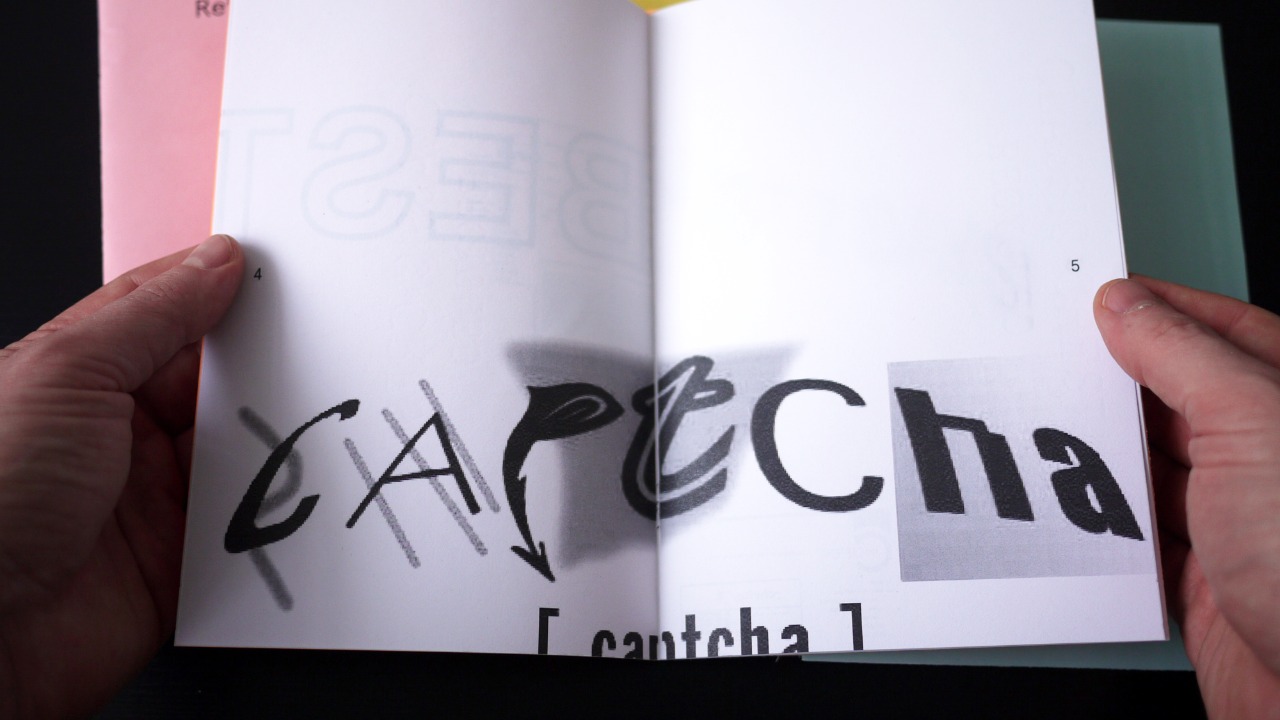

Security officials are warning that some popups asking users to “prove you are human” are themselves the attack. According to the Federal Trade Commission, a wave of fake CAPTCHA prompts is tricking people into a single click that silently installs malware or opens the door to remote access on their devices. The scam looks routine, but the moment a user clicks, the damage can begin.
How the FTC’s fake CAPTCHA warning changes the threat picture
The FTC’s alert highlights a twist on a familiar pattern: malicious actors have long used fake download buttons and support popups, and are now hiding their payloads behind what appears to be a standard CAPTCHA test. In the version flagged by regulators, the bogus prompt often appears after a user lands on a compromised or deceptive website, then pushes them to click “Allow” or a similar button that looks like a normal verification step.
After the user interacts, the site can trigger a download, hand off control to a remote access tool, or subscribe the browser to a flood of malicious notifications. The FTC describes cases where a single click on a sham CAPTCHA led to installation of software that let criminals take remote control of the machine, capture keystrokes, or push additional malware in the background. In some instances, the initial click does not obviously break anything, making it more likely the victim will stay online while the attacker explores the system.
According to detailed guidance shared with consumers, the fake CAPTCHA pages often use generic language such as “Click Allow to confirm you are not a robot” and copy the look of common CAPTCHA widgets. The difference is that instead of sending a harmless verification request, the “Allow” button gives the site permission to run code or send persistent notifications. That permission can be abused to open malicious links, load phishing pages, or prompt the user to install fake security tools that are themselves malware.
Security researchers have linked this tactic to broader “malvertising” and drive by download campaigns that rely on social engineering rather than software vulnerabilities. Rather than exploiting a technical flaw in the browser, the attackers exploit the user’s expectation that CAPTCHA checks are routine and that clicking through them is safe and necessary to see content.
Why the fake CAPTCHA malware scheme is spreading now
Several trends make this particular scam attractive to cybercriminals. CAPTCHA challenges are now so common that users barely pause before clicking, which lowers the psychological barrier that might exist with a more obviously intrusive popup. At the same time, browsers and operating systems have improved their default defenses against older styles of malware distribution, so attackers are searching for ways to persuade users to grant the very permissions that security tools try to control.
Reports cited by the FTC show that fake CAPTCHA pages are often delivered through compromised websites, malicious advertising networks, or typo squatted domains that mimic popular services. A user might mistype the address of a streaming platform or news site, land on a lookalike page, and be greeted by a fullscreen “verification” overlay. Because the page appears at the moment the user expects to encounter a login or age check, the extra step does not raise suspicion.
Once the victim clicks, the attackers can install adware, info stealers, or remote access software that gives them a foothold on the device. From there, they can harvest saved passwords, intercept online banking sessions, or pivot into workplace networks if the infected computer connects to corporate systems. The FTC notes that some scams also use the fake CAPTCHA to enroll users in persistent browser notification spam that pushes fraudulent investment schemes, fake technical support alerts, or links to additional malware.
Consumer advocates point out that this technique thrives on the blending of legitimate and malicious prompts. Modern websites legitimately ask for permission to send notifications, access location data, or use the clipboard. Attackers wrap those same browser dialogs in a CAPTCHA style frame and present them as a necessary step to access content. Without clear education, many users do not realize that clicking “Allow” in a notification dialog is optional, and that no genuine CAPTCHA requires that permission.
International coverage of the scam has highlighted cases where victims clicked through a fake verification page and later discovered unauthorized charges, stolen email accounts, or locked files. One report describes how the fraudulent CAPTCHA was used to push a remote access program that let criminals monitor activity and attempt to log in to online banking portals. The FTC’s warning aligns with these accounts and emphasizes that even a single mistaken click can have cascading consequences for identity theft and financial loss.
In the United Kingdom, regulators and security experts have echoed similar concerns, pointing to a surge in complaints about popups that look like standard human verification tests but actually lead to malicious downloads. An analysis of these campaigns notes that the fake CAPTCHA pages often appear on streaming or file sharing sites and that the malware delivered can range from adware to more serious tools that give attackers control of the system. Coverage of the fake CAPTCHA scam warns that the lure is particularly effective on mobile devices, where small screens make it harder to spot subtle design flaws or suspicious URLs.
Practical defenses and what the FTC expects to happen next
The FTC’s guidance is blunt on one point: no legitimate CAPTCHA requires users to click a browser notification “Allow” button, install software, or download a file. A genuine human verification test runs inside the page itself and typically involves selecting images, ticking a simple checkbox, or solving a small puzzle. Users who see a CAPTCHA style page that insists on extra permissions are told to close the tab immediately and avoid interacting with any buttons on the popup.
Regulators and security professionals expect several developments as awareness of this tactic spreads. Browser makers are under pressure to tighten how notification permissions work, especially on pages that have just loaded or that display fullscreen overlays. Some vendors are already experimenting with quieter prompts, automatic blocking on clearly deceptive sites, or warnings when a page uses language that suggests a CAPTCHA but triggers a notification request instead.
On the enforcement side, the FTC has signaled that it will treat fake CAPTCHA schemes as deceptive practices under its consumer protection authority. That can include actions against companies that knowingly distribute or profit from malicious advertising that uses these tactics. While many of the operators are based outside the United States, regulators can still target intermediaries such as ad networks or hosting providers that fail to act on clear evidence of abuse.
For individuals and organizations, the next phase is likely to center on education and hygiene. Security teams are being encouraged to add fake CAPTCHA warnings to phishing training and to remind employees that they should never grant notification permissions or download software in response to a verification request. Home users are advised to keep operating systems and browsers updated, run reputable security software, and review installed browser extensions and notification permissions for anything unfamiliar.
Experts also recommend a few practical checks when a suspicious CAPTCHA appears. Users should glance at the browser’s address bar to confirm that the domain matches the site they intended to visit, and avoid sites whose addresses contain extra words, random characters, or misspellings of well known brands. If a page repeatedly reloads a verification screen or blocks access until a notification permission is granted, closing the tab or the entire browser is safer than trying to click through.
Looking ahead, attackers are likely to keep refining this approach, blending fake verification steps with other social engineering tricks such as fake cookie consent banners or cloned login pages. The FTC’s warning signals that regulators are watching, but the tactic’s success ultimately depends on users treating every unexpected permission request as a potential red flag. The more people learn to question what a CAPTCHA is actually asking them to do, the harder it becomes for a single careless click to open the door to malware.