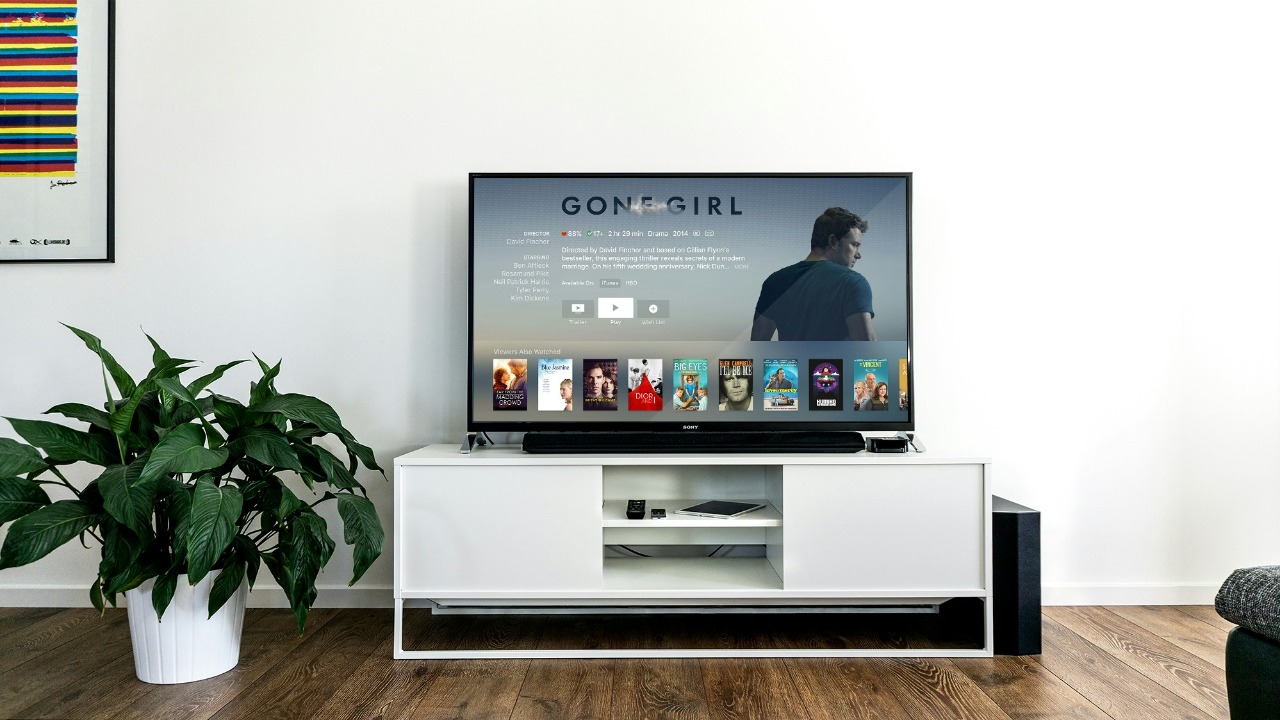

Google TV just became a much better option for anyone who wants free movies and shows without signing up for another streaming subscription.
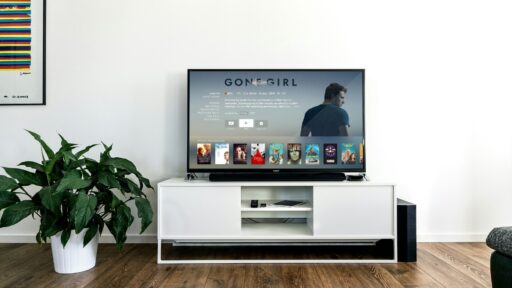
Google has expanded Google TV Freeplay with more than 10,000 free on-demand movies and TV shows, alongside more than 300 free live channels. The new library includes content from studios such as A24 and Lionsgate, and the live lineup now covers news, sports, reality TV, true crime, and entertainment.
The biggest change is simple: Freeplay is no longer only about flipping through live channels. You can now choose a movie or show and start it whenever you want.
What Is Google TV Freeplay?
Google TV Freeplay is Google’s built-in free, ad-supported streaming service.
It has existed for some time as a way to watch live television without paying for cable or installing multiple streaming apps. The service follows the FAST model, meaning free ad-supported streaming television.
The latest update adds a large on-demand library alongside those live channels. Google says users can now access more than 10,000 movies and shows without needing a subscription.
You still have to watch advertisements, but there is no monthly fee.
That makes Freeplay more comparable with services such as Tubi, Pluto TV, and The Roku Channel.
What Kind of Content Has Been Added?
Google has not published a complete list of all 10,000-plus titles, but it has confirmed that the catalog includes programming from well-known studios including A24 and Lionsgate.
Examples shown during the rollout include titles such as Lady Bird, while other reporting notes content including Seventeen Again and Hell’s Kitchen.
The exact library will change over time because streaming rights regularly rotate.
Google says it plans to continue expanding the Freeplay catalog throughout the year.
That means the 10,000-title figure is not necessarily the final ceiling.
More Than 300 Live Channels Are Available Too
The on-demand library is the headline feature, but Google has expanded the live side as well.
Freeplay now includes more than 300 live channels across categories including news, sports, reality, entertainment, and true crime.
Some notable additions include Bloomberg TV+, The Martha Stewart Channel, World of Love Island, and Yahoo Sports Network.
These operate more like traditional television channels.
You tune in and watch whatever is currently playing rather than selecting a specific episode from the beginning.
That gives Google TV two different free viewing experiences in one place:
Live television when you simply want something playing.
On-demand movies and shows when you know what you want to watch.
How Do You Watch the New Free Movies and Shows?
If you already own a compatible Google TV device, accessing the new content should be straightforward.
Open the Google TV Freeplay app from the home screen.
Inside Freeplay, you should now see separate areas for Live TV and Free movies & shows.
Select the on-demand section.
Browse the available movies and programs.
Choose a title and start watching.
You do not need to install another streaming application for the Freeplay catalog itself.
That is probably the most convenient part of the update.
You Don’t Need Another Subscription
Netflix requires a subscription.
Disney+ requires a subscription.
Max requires a subscription.
Google TV Freeplay does not.
Google says the content is available without a subscription, because advertising pays for the service instead.
That does not mean every movie shown anywhere on Google TV suddenly becomes free.
Google TV still aggregates paid services, rentals, purchases, and subscription apps.
Freeplay is simply an additional content source inside that wider interface.
Look for titles specifically identified as free or marked as free with ads.
Do You Need to Create an Account?
Google says Freeplay can provide access to its free content without requiring users to sign up for a separate streaming subscription or download another app.
Your Google TV device itself is generally already connected to a Google account, but you do not need to create another account with every content provider simply to use the built-in Freeplay experience.
That reduces one of the biggest annoyances of free streaming.
Normally, finding one movie can involve:
Installing another application.
Creating another account.
Entering another password.
Accepting another privacy policy.
Freeplay is designed to make the process much closer to ordinary television.
Which Devices Support Google TV Freeplay?
Freeplay is built into compatible devices running Google TV, particularly in the United States.
That includes many televisions from brands using Google’s television software, along with dedicated Google TV streaming hardware.
Some Walmart Onn Google TV devices also support the service.
The important distinction is between Google TV and older Android TV interfaces.
Although the technologies are related, Freeplay availability can differ depending on the specific device, region, and software version.
If you do not see the Freeplay application, first check whether your television or streamer is actually running Google TV and whether the service is supported in your country.
The Service Is Mainly a U.S. Feature
This is an important limitation.
The expanded Google TV Freeplay experience is currently primarily available in the United States.
Streaming rights differ by country, so Google cannot simply provide the same 10,000-title catalog globally.
Someone using Google TV in another region may see a different free-content experience—or may not have Freeplay at all.
That could change as Google negotiates additional licensing agreements.
For now, U.S. users get the most complete version.
Make Sure Your Google TV Software Is Updated
If your device supports Freeplay but you do not see the new on-demand section, outdated software could be the reason.
Reporting around the rollout notes that users need the latest available Google TV software to access the updated Freeplay experience.
Go into your Google TV settings and check for system updates.
The exact menu wording varies by manufacturer, but it is usually found under something similar to:
Settings > System > About > System update
After updating, restart the device if necessary.
The new Freeplay sections may then appear automatically.
You Can Also Find Free Content From the Google TV Home Screen
You do not always need to open Freeplay manually.
Google TV can surface free movies and live channels through recommendations elsewhere in the interface.
The Freeplay channels can appear through the Live tab, recommendations, or the dedicated Freeplay app.
That means Google can recommend a movie based on your interests and indicate that it is available free with ads.
This makes Freeplay feel less like a separate service and more like another source inside Google’s overall content-discovery system.
Why Is Google Doing This?
Streaming has become expensive.
Someone subscribing to Netflix, Disney+, Hulu, Max, Apple TV, Peacock, and other services can easily recreate the kind of monthly bill streaming originally promised to replace.
Free ad-supported services have grown partly because users are looking for alternatives.
The Verge notes that Google’s move comes as more viewers turn toward free and lower-cost streaming options amid rising subscription prices.
Google has another incentive too.
The more useful Google TV becomes without requiring users to leave its interface, the more valuable the platform becomes to television manufacturers and advertisers.
Freeplay keeps viewers inside Google TV.
It Also Gives Google More Advertising Inventory
Free entertainment is not actually free to provide.
Someone pays for licensing, infrastructure, and distribution.
In Freeplay’s case, advertisers help fund the service.
More movies and shows create more viewing hours.
More viewing hours create more opportunities for advertising.
That puts Google into an interesting position.
The company already operates one of the world’s largest digital advertising businesses.
Google TV gives it another screen on which advertising can potentially be delivered.
Instead of advertising appearing beside search results or YouTube videos, it can appear inside traditional television-style entertainment.
Freeplay Is Becoming a Real Competitor to Tubi and Pluto TV
For years, free streaming was dominated by services such as Tubi, Pluto TV, and The Roku Channel.
Google TV Freeplay originally felt more like a useful collection of free channels built into the interface.
Adding 10,000-plus on-demand titles changes that considerably.
Now users can choose a specific movie rather than simply watching whatever happens to be airing.
That makes Freeplay a more direct competitor in the FAST and AVOD market.
Google also has one enormous advantage:
Distribution.
If Freeplay is already built into millions of televisions, users do not have to discover and install it.
It is simply there.
Does Freeplay Replace Netflix or Disney+?
Probably not for most people.
Premium subscription services still offer major originals, newer movies, exclusive series, and large recognizable franchises.
Freeplay serves a different purpose.
It is ideal when you want:
Something casual to watch.
An older movie.
Background television.
News.
Sports programming.
Reality TV.
A free movie without deciding which subscription to renew.
That can complement paid streaming rather than replace it entirely.
Someone might keep one or two premium services while using Freeplay for everything else.
The Ads Are the Main Trade-Off
There is no subscription fee because advertisements interrupt the programming.
Anyone coming from an ad-free Netflix or Apple TV experience may find that frustrating.
But viewers who grew up with traditional broadcast television may find it completely normal.
The trade-off is simple:
Pay with money.
Or pay with attention.
Freeplay chooses the second option.
For many users trying to cut subscription costs, that is a reasonable compromise.
Why This Update Matters More Than It First Appears
Ten thousand titles sounds like another streaming statistic.
The bigger change is how Google TV is evolving.
Originally, Google TV largely helped users find content inside other streaming apps.
Now Google increasingly provides significant amounts of content directly through its own interface.
That means a new Google TV user can potentially turn on a television and immediately watch hundreds of channels and thousands of programs before downloading Netflix, Hulu, or anything else.
That creates a much stronger default experience.
And default experiences matter enormously in technology.
Google TV Is Becoming More Like Traditional Television Again
Streaming originally broke television into separate apps.
Want one show?
Open Netflix.
Want another?
Open Hulu.
Want sports?
Open another app.
Ironically, companies are now trying to rebuild the simplicity that cable television once provided.
One interface.
One guide.
Lots of channels.
Movies ready to watch.
Google TV Freeplay moves strongly in that direction.
It combines modern on-demand streaming with something resembling an old-fashioned channel guide.
The technology changed.
The user desire did not:
Turn on the TV and find something quickly.
How to Start Watching
If you have a compatible Google TV device in the U.S., the process is simple.
Make sure the device is updated.
Look for the Google TV Freeplay app on the home screen.
Open it.
Choose Free movies & shows for on-demand viewing or Live TV for channels.
Then select something and start watching. Google says there are now more than 10,000 free on-demand titles and more than 300 free channels available through the service.
Google’s official Freeplay announcement
There is no additional subscription to buy.
There is no separate app required for the Freeplay library.
You simply have to accept the ads.
For anyone already paying for too many streaming services, that may be a pretty easy trade.