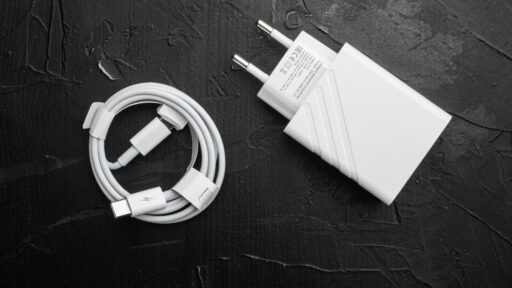
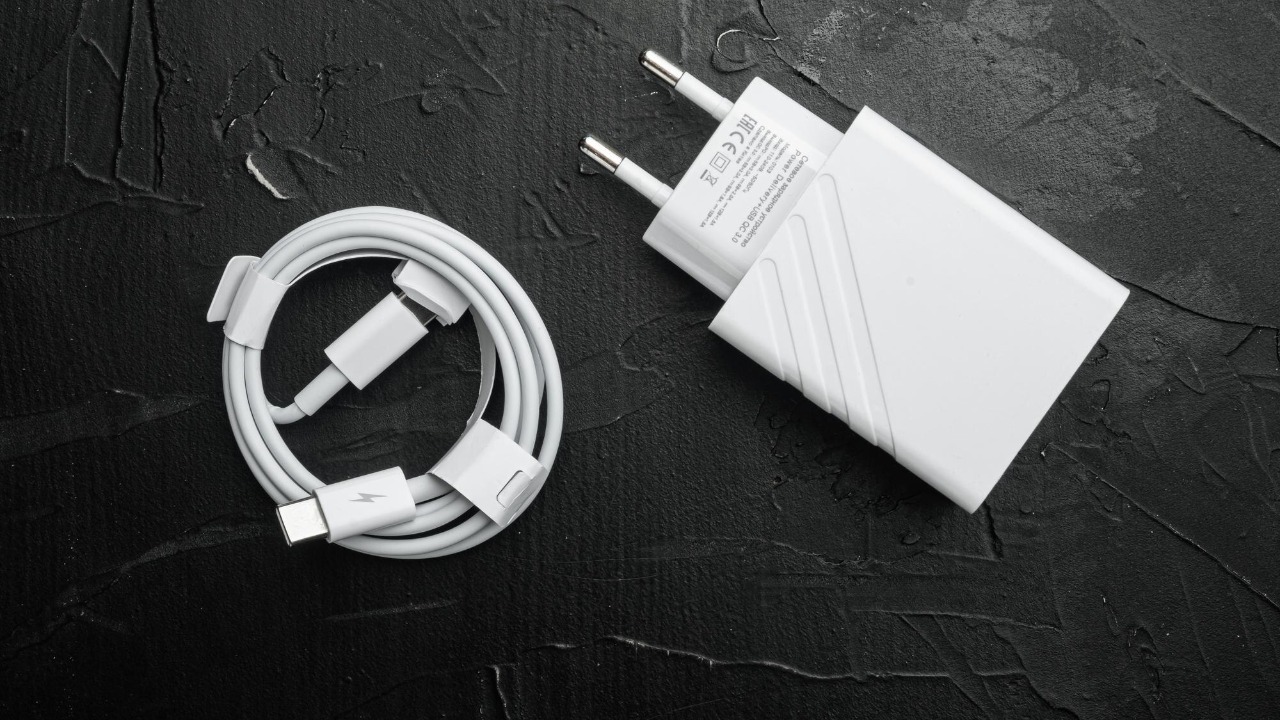

The fastest officially advertised charging setup for the iPhone 17 uses a USB-C cable with a 40W or higher USB-C power adapter. Apple says this combination can charge a depleted iPhone 17 battery to approximately 50 percent in 20 minutes.
Wireless charging is slower. The iPhone 17 supports MagSafe and Qi2 wireless charging at up to 25W when used with compatible equipment. Apple estimates that its MagSafe Charger, paired with a 30W or higher power adapter, can bring the battery to approximately 50 percent in 30 minutes.
The important detail is that a 40W charger recommendation does not necessarily mean the iPhone continuously draws exactly 40W. Apple publishes the required adapter rating and charging-time result, but it does not state a single fixed maximum wired input figure in the iPhone 17 technical specifications. Charging power changes continuously according to battery level, temperature, phone activity and battery-management conditions.
The Fastest Official Wired Charging Setup
To achieve Apple’s fastest advertised result, the iPhone 17 should be connected directly to a 40W or higher USB-C power adapter using a compatible USB-C charging cable.
Apple’s iPhone fast-charging guide states that the iPhone 17, iPhone 17 Pro and iPhone 17 Pro Max can reach approximately 50 percent in 20 minutes with a 40W or more powerful adapter. The company conducted its testing with depleted preproduction devices, a USB-C charging cable and its 40W Dynamic Power Adapter with 60W Max.
A larger adapter can also be used safely. A 60W, 70W, 96W or higher-output USB-C Power Delivery charger does not force its full rated output into the phone. The iPhone and adapter negotiate the amount of power the device can accept.
This means a compatible MacBook USB-C charger can be used with the iPhone 17. However, buying a 100W or 140W adapter solely for the phone is unlikely to produce a meaningful improvement over a suitable 40W charger because the phone controls the power it receives. Apple confirms that higher-wattage USB-C adapters can be used for faster iPhone charging in its USB-C charging documentation.
Does the iPhone 17 Actually Charge at 40W?
Apple does not officially describe 40W as the iPhone 17’s exact maximum charging input. It says that a 40W or higher adapter is required to achieve the advertised 50-percent-in-20-minutes result.
That distinction matters because the number printed on a charger represents the maximum power the adapter can supply, not the power that the phone will constantly consume. Charging begins more aggressively when the battery is low and conditions are suitable, then progressively slows as the battery fills.
The iPhone may briefly approach its highest supported charging level during the early stage of a charging session, but it will not maintain that level throughout the entire process. As a result, estimating total charging time by dividing battery capacity by charger wattage would produce an inaccurate result.
The clearest answer is therefore that 40W or higher is the fastest officially recommended wired adapter class for the iPhone 17, while Apple has not published a single guaranteed peak-wattage figure for the phone itself.
How Fast Is MagSafe Charging?
The iPhone 17 supports MagSafe wireless charging at up to 25W. It also supports compatible Qi2 charging at up to 25W, giving users more freedom to select certified magnetic chargers from Apple or other manufacturers.
To reach the highest MagSafe rate, Apple recommends its updated MagSafe Charger with a 30W or higher USB-C power adapter. The company estimates that this setup can charge the iPhone 17 to approximately 50 percent in 30 minutes.
Apple’s current MagSafe Charger product information confirms support for wireless charging at up to 25W when the charger is paired with a 30W adapter. The charger is certified for the Qi2 25W standard as well as conventional Qi charging.
Wireless charging remains less efficient than a direct USB-C connection because some energy is lost as heat during transfer. Alignment, case thickness, surrounding temperature and phone activity can also affect the delivered power.
MagSafe is therefore the better choice for convenience, while USB-C remains the better option when the objective is to add as much battery as possible in the shortest available time.
Can an Older 20W Charger Still Be Used?
An existing 20W Apple USB-C adapter can still charge the iPhone 17. It simply will not deliver the model’s fastest advertised charging performance.
A 20W adapter may be perfectly adequate for overnight charging, desk use or situations where charging time is not important. A 30W adapter can provide more power and is also sufficient for maximum-speed MagSafe charging, but Apple specifies a 40W or higher adapter for the fastest wired result.
Someone upgrading from an older iPhone does not necessarily need to discard an existing charger. The decision depends on whether saving approximately 10 minutes during the first half of a charge is valuable enough to justify purchasing a higher-output adapter.
A multiport charger also requires attention. When two devices are connected, some adapters divide their total capacity between the ports. Apple’s 35W dual-port adapter, for example, can provide up to 17.5W to each device when an iPhone and another device are charged simultaneously. That would prevent the iPhone 17 from receiving the power required for its fastest charging mode.
Why Charging Slows After 50 Percent
Apple highlights the time required to reach 50 percent because the first half of a battery can be replenished much faster than the second half.
Lithium-ion battery charging is carefully controlled to limit heat and chemical stress. The phone can accept more power when the battery is low, but charging slows as it approaches higher percentages. This is why reaching 100 percent takes substantially longer than simply doubling the 20-minute half-charge figure.
The final portion may slow further when the phone is warm, actively being used or applying battery-protection features. Gaming, recording video, using navigation or running another intensive task while charging can increase heat and reduce the energy available for the battery.
Apple explains in its iPhone charge-speed guidance that charging may be temporarily reduced or paused under extreme temperature conditions. Normal charging resumes once the battery returns to an acceptable operating temperature.
Temperature Can Matter More Than Charger Wattage
A powerful charger cannot guarantee fast charging when the phone is too warm.
Charging inside a hot vehicle, placing the phone in direct sunlight or running demanding applications can cause the iPhone to manage power more conservatively. A thick case may also retain heat, although removing it is generally necessary only when the phone becomes unusually warm.
When the battery temperature exceeds the appropriate range, iOS may display a Charging On Hold message. Apple recommends moving the phone and charger away from direct sunlight, placing them in a cooler environment and allowing the phone to sleep while its temperature returns to normal.
For the quickest practical result, the phone should be connected at a low battery percentage, placed in a cool environment and left with the screen off. A direct wall connection should be used instead of a low-powered computer port or shared multiport adapter.
Charge Limit Can Make the Phone Appear to Stop Early
The iPhone 17 includes battery-management settings that can intentionally prevent it from charging to 100 percent.
Owners can select a Charge Limit between 80 and 100 percent in five-percent increments. When a lower limit has been chosen, the phone will stop near that percentage even though the charger remains connected.
When the limit is set to 100 percent, Optimized Battery Charging can delay charging beyond 80 percent when the phone expects to remain connected for an extended period. The feature is designed to reduce the amount of time the battery spends completely full.
These controls can be reviewed under Settings, Battery and Charging. Apple’s Charge Limit and Optimized Battery Charging guide explains that disabling charging optimisations may increase battery wear over time.
Which Charger Is Best for the iPhone 17?
A 40W or higher USB-C Power Delivery adapter is the most appropriate choice for someone who wants the fastest official wired-charging performance. It should be paired with a reliable USB-C cable connected directly to the iPhone.
A 30W adapter remains a sensible option for users who primarily charge through MagSafe, since 30W is sufficient for the iPhone 17’s maximum 25W wireless charging mode.
A higher-output laptop charger is also suitable when it supports USB Power Delivery. The phone will request only the power it needs, so using a larger compatible adapter does not cause the iPhone to absorb the charger’s full rated wattage.
The final charging speed will still vary. Apple’s figures were recorded with depleted test devices under controlled conditions, and the company notes that actual results depend on settings and environmental factors.
For the iPhone 17, the fastest official result is approximately 50 percent in 20 minutes through USB-C with a 40W or higher adapter. The fastest supported wireless rate is 25W through MagSafe or Qi2, with Apple estimating a 50 percent charge in approximately 30 minutes. USB-C is the speed-focused option, while MagSafe provides the more convenient everyday experience.