
Scammers increasingly treat email inboxes as master keys to a person’s digital life, from bank logins to cloud backups. A few disciplined habits can turn that inbox from an easy target into one of the hardest accounts to break, even when other defenses fail.
These six routines focus on how people use email day to day, not just on technical settings, so they can reduce the risk of account takeovers, data leaks, and costly fraud without needing specialist knowledge.
How smarter email routines evolved from basic password advice
Early guidance on email safety focused almost entirely on passwords and antivirus tools, assuming attackers would try to guess or brute-force a login. Recent reporting on password habits shows that strong, unique credentials still matter, yet attackers now prefer lower-effort routes such as phishing, data broker lists, and reused passwords from other breaches.
In response, security experts increasingly treat email behavior as part of a broader hygiene routine rather than a single technical fix. Guidance on email safety tips stresses that people should combine strong logins with cautious handling of links and attachments, better inbox organization, and regular checks of account activity. This shift recognizes that many successful attacks start with a convincing message that persuades someone to click before any software filter has a chance to intervene.
Research into risky online habits also highlights how oversharing contact details, using the same address everywhere, and clicking through prompts without reading them all increase exposure. Email often sits at the center of those patterns. The modern goal is not simply to keep a single inbox safe, but to limit how useful that inbox would be to an attacker even if they gained a foothold.
All of these changes have produced a more layered view of protection. Strong passwords and two-factor authentication sit at the core, surrounded by habits that reduce the number of phishing attempts that reach the inbox, limit the damage of a successful trick, and make suspicious activity easier to spot quickly.
Six everyday email habits that block account takeovers
The first habit is to separate identities. Using one address for banking and key services and another for newsletters, shopping, and social media limits the blast radius if a low-priority account is compromised. When a marketing database leaks, attackers often try the exposed email and password combination on more valuable services. A dedicated, private email for financial and recovery logins means those attempts are more likely to fail.
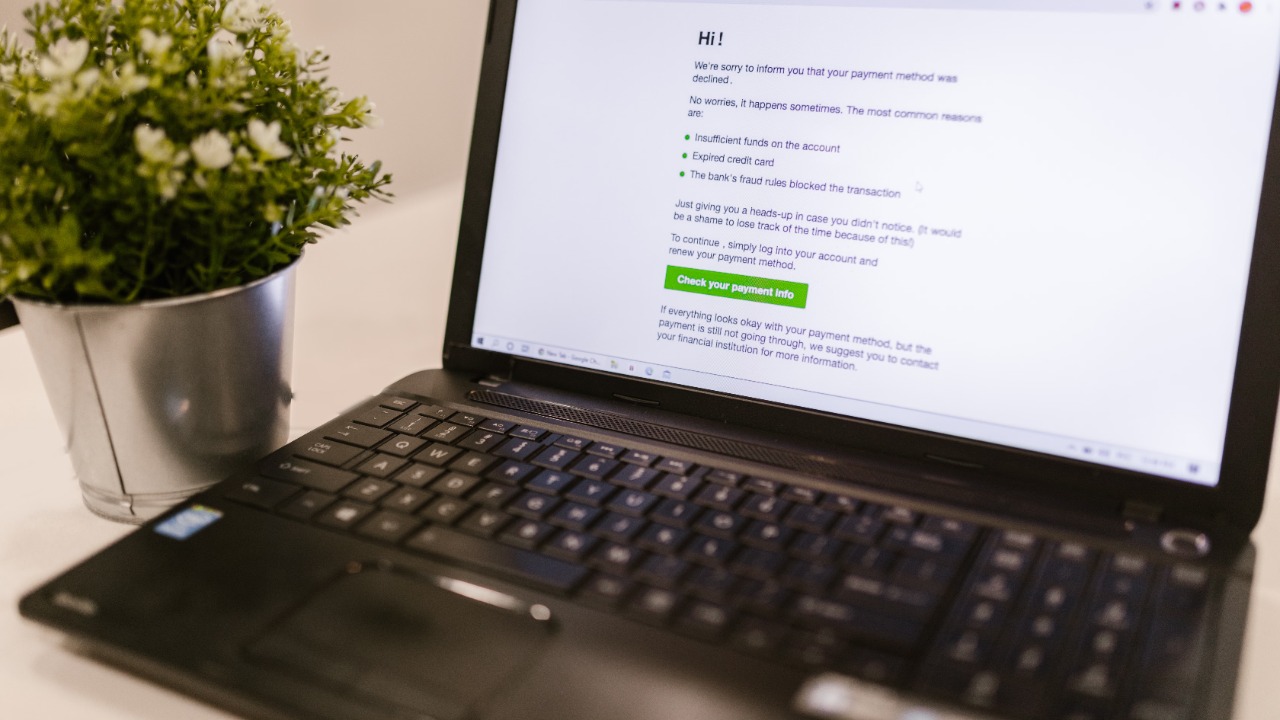
The second habit is strict link and attachment hygiene. Current safety guidance urges users to hover over links to check the true destination, avoid opening unexpected attachments, and type sensitive URLs directly into the browser instead of clicking through. Many phishing campaigns rely on lookalike domains or embedded buttons that appear to lead to a familiar brand. Treating every unexpected request to log in, reset a password, or confirm payment details as suspicious by default dramatically cuts the success rate of those scams.
The third habit is to minimize the sensitive data stored in the inbox. People often leave copies of passports, tax forms, medical records, and full bank statements in searchable folders. That archive becomes a treasure trove if an attacker gets in, even briefly. Regularly searching for keywords such as “password,” “PIN,” “SSN,” or full card numbers and then deleting or moving those messages to encrypted storage reduces the payoff of a breach. Where possible, users should also turn off email receipts that include full payment details and instead rely on masked or partial information.
The fourth habit concerns account recovery settings. Many services allow password resets through email links, security questions, or backup addresses. If a scammer controls a person’s inbox, those recovery channels become a direct path into other accounts. Regular reviews of which services are linked to an email, removal of outdated recovery addresses, and replacement of guessable security questions with answers that function like extra passwords all raise the bar for attackers who rely on automated reset flows.
The fifth habit is to pair email hygiene with strong authentication. Reporting on password practices emphasizes unique, complex logins stored in a password manager, and two-factor authentication that uses app-based codes or hardware keys instead of SMS where available. Even if a phishing email tricks someone into entering credentials on a fake site, a second factor can stop the attacker from logging in. Email accounts should be the first place this is enabled, followed by banking, cloud storage, and social networks that could be abused to reset other logins.
The sixth habit is continuous monitoring. Most major providers show recent sign-in locations, active sessions, and alerts for new logins or forwarded copies of messages. Checking those logs periodically, especially after travel or device changes, can reveal suspicious access early. Users should also watch for subtle signs such as password reset emails they did not request, missing messages that may have been auto-forwarded, or sudden increases in spam that suggest an address is circulating in new lists.
Together, these six behaviors change the attacker’s equation. Instead of a single point of failure, scammers face segmented identities, fewer high-value messages, hardened recovery paths, and vigilant users who treat every unexpected prompt as a potential trap.
Why disciplined email habits matter more right now
Several trends make these practices especially urgent. Guidance on email safety notes that phishing campaigns have become more tailored, with messages that mimic real invoices, delivery notices, or workplace tools. Attackers increasingly scrape social media and breached data to personalize subject lines and sender names, which helps them slip past both spam filters and human suspicion.
At the same time, research into data leak risks shows that people are signing up for more online services than ever, often with the same email and similar passwords. Each new account is another potential breach source. When one small app loses control of its database, attackers can test those credentials against major providers and banks. The inbox becomes the pivot point that connects dozens of separate services.
Remote and hybrid work add another layer. Employees now blend personal and professional email on the same devices, and some use consumer accounts for file sharing or quick collaboration. A single phishing message that reaches a personal inbox can provide access to work documents, internal tools, or corporate chat systems if the device is poorly segmented. That crossover makes personal email hygiene a workplace security issue as well as a private one.
Financial scams have also grown more sophisticated. Attackers who gain email access may quietly set up forwarding rules, watch for large transactions, and then send fake “verification” messages that redirect funds. They can reset logins for investment platforms, cryptocurrency exchanges, or payment apps, then drain assets before the victim notices. In that context, the inbox is not just a communication tool, but a control panel for money and identity.
Regulatory and legal pressures are rising as well. Organizations that mishandle customer data or fall victim to avoidable phishing attacks face penalties and reputational damage. Encouraging staff to adopt strong email habits reduces that exposure and aligns with broader compliance efforts around data protection and incident response.
How email defenses are likely to evolve from here
Looking ahead, email security will likely blend smarter automation with more structured user habits. Providers are already deploying machine learning filters that analyze message content, sender history, and user behavior to flag suspicious activity. As those systems mature, they will catch more phishing attempts before they reach the inbox, but they will not eliminate the need for human judgment. Attackers will continue to probe the gray areas where automated tools hesitate.
Users can also expect more visible security cues inside email clients. These might include clearer labels for messages that originate outside an organization, warnings when a link leads to a domain that has never been contacted before, or prompts to verify identity before changing forwarding rules. Such features will work best when paired with the six habits described earlier, since alerts only help if people know how to respond.