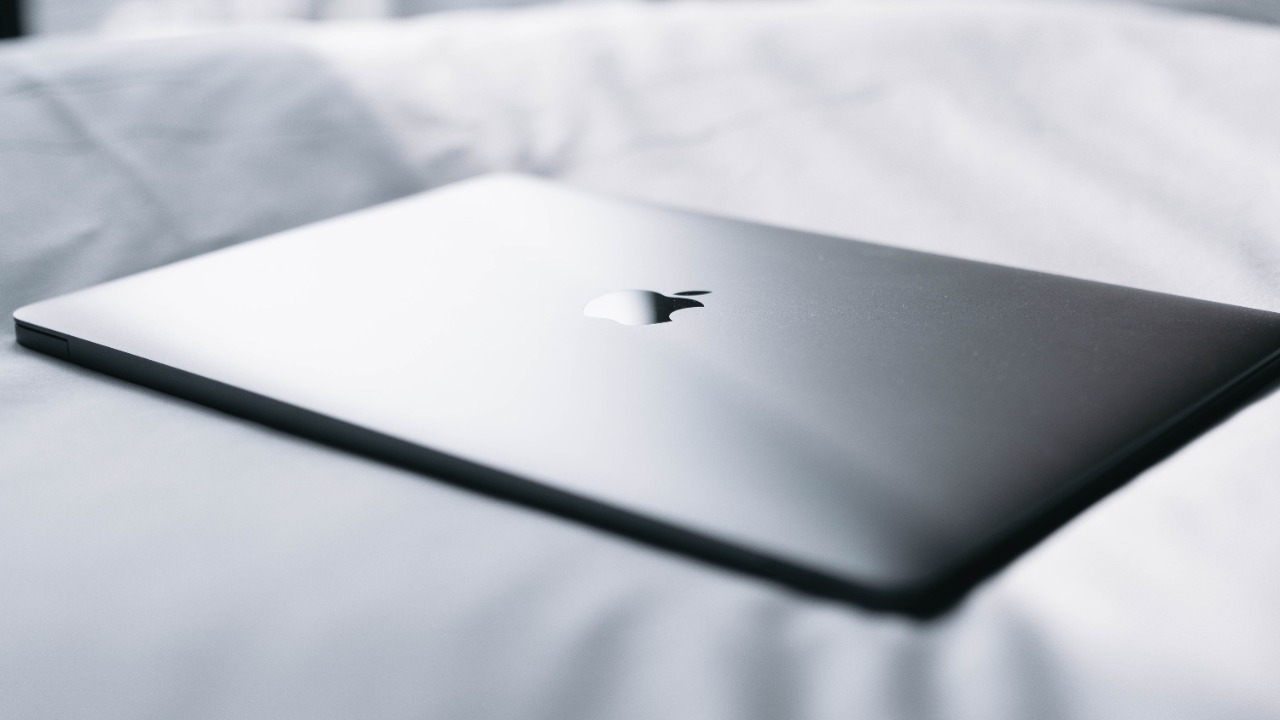

A good travel laptop needs to solve a surprisingly difficult problem.
It should be thin enough to disappear into a backpack, light enough that carrying it through an airport does not become annoying, powerful enough for everyday work, and efficient enough that you are not constantly searching for a power outlet.
At home, that same laptop still needs to feel comfortable for long periods of browsing, writing, video calls, streaming, spreadsheets, and general productivity.
Fortunately, thin laptops no longer automatically mean weak laptops. Modern Apple silicon and Intel Core Ultra processors have made it possible to build machines barely more than half an inch thick without sacrificing the performance most people need.
These five models stand out particularly well for people who want one computer that works equally well at a desk, on a plane, in a hotel room, or at a coffee shop.
1. Apple MacBook Air 13-Inch M5
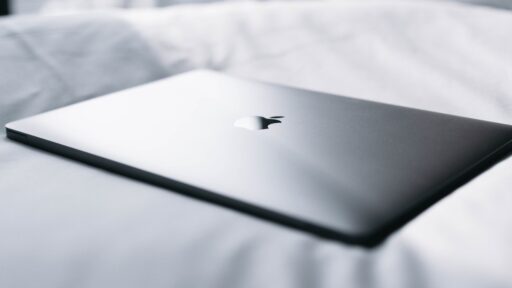
The MacBook Air remains one of the easiest ultra-thin laptops to recommend because Apple has spent years refining exactly this type of computer.
The 2026 13-inch model uses Apple’s M5 chip while maintaining the remarkably slim design that made the Air popular in the first place.
Apple lists the 13-inch MacBook Air at only 0.44 inches, or 1.13 cm, thick, with a weight of approximately 2.7 pounds, or 1.23 kg.
That makes it exceptionally easy to carry.
Put it in a backpack beside a charger, headphones, and a few documents, and the laptop adds very little bulk.
The MacBook Air also remains completely fanless. That means there is no fan noise when you are working in a quiet hotel room, library, or bedroom.
The M5 model comes with a 13.6-inch Liquid Retina display offering 500 nits of brightness, while memory starts at 16GB and can be configured to 24GB or 32GB. Storage options extend as high as 4TB.
For ordinary productivity, the M5 provides much more performance than most travelers will actually need.
Web browsing, Microsoft Office, video conferences, photo editing, coding, and moderate video work should all fit comfortably within its capabilities.
Battery life is one of its biggest travel advantages.
Apple rates the M5 MacBook Air for up to 18 hours of video streaming and 15 hours of wireless web use.
Real battery life will depend on brightness, applications, and workload, but the ability to work for much of a day without reaching for the charger is exactly what makes a laptop useful while traveling.
The biggest limitation is ports.
You get MagSafe charging, a headphone jack, and two Thunderbolt 4 ports. That is enough for many people, but travelers regularly connecting USB-A drives, HDMI displays, or SD cards may need a small hub.
For someone already using an iPhone, AirPods, or other Apple devices, the integration makes the MacBook Air particularly convenient.
View the MacBook Air M5 specifications from Apple
Best for: Apple users, students, remote workers, writers, and anyone prioritizing battery life and portability.
2. ASUS Zenbook S 14
Windows users looking for something as thin as a MacBook Air should pay serious attention to the ASUS Zenbook S 14.
ASUS has pushed the chassis down to roughly 1.19 to 1.29 cm thick, depending on configuration, while keeping weight around 1.20 kg, or 2.65 pounds.
That makes it one of the thinnest full-featured Windows laptops available.
The Zenbook S 14 also gives you something Apple does not provide on the MacBook Air: an OLED display.
Its 14-inch ASUS Lumina OLED panel offers a 3K resolution and 120Hz refresh rate, producing deep blacks, excellent contrast, and smoother scrolling than a traditional 60Hz laptop display.
That makes the Zenbook particularly attractive for people who watch a lot of movies while traveling or work with photography and other visual content.
ASUS also uses what it calls Ceraluminum for parts of the chassis, combining a premium appearance with low weight.
Inside, configurations are available with Intel Core Ultra processors and dedicated neural-processing hardware for AI features.
The 77Wh battery is unusually large for such a thin laptop, which helps make the Zenbook practical away from a desk.
Another advantage is connectivity.
Ultra-thin laptops often remove ports to save space, forcing owners to carry adapters everywhere.
ASUS has managed to keep a useful selection of connectivity despite the slim body, making it more practical for someone who travels with external displays, drives, or other accessories.
The Zenbook does use active cooling, unlike the silent MacBook Air, but ASUS has fitted dual fans and a vapor-chamber cooling system to manage heat inside the small chassis.
For travelers who prefer Windows and want premium design without carrying a heavier business laptop, the Zenbook S 14 is one of the strongest options.
See the ASUS Zenbook S 14 specifications
Best for: Windows users who want an excellent OLED display, strong portability, and more connectivity than a MacBook Air.
3. Samsung Galaxy Book5 Pro 14
Samsung’s Galaxy Book5 Pro is easy to overlook because laptops are not the first products most people associate with Samsung.
That would be a mistake.
The 14-inch Galaxy Book5 Pro is only 11.6 mm, or approximately 0.46 inches, thick, and weighs about 1.23 kg, or 2.71 pounds.
That puts it very close to the MacBook Air in both thickness and weight.
Its biggest attraction is the display.
Samsung uses a 14-inch 2880 × 1800 Dynamic AMOLED 2X touchscreen with an adaptive refresh rate up to 120Hz.
For streaming Netflix during a flight, editing photographs in a hotel, or simply working with a lot of text, the display is one of the strongest in this category.
Samsung also includes a much healthier port selection than many thin laptops.
The Galaxy Book5 Pro includes two Thunderbolt 4 ports, USB-A, HDMI 2.1, microSD, and a headphone connection.
That may sound like a minor detail until you are traveling.
With some thin laptops, connecting an HDMI projector means searching through your bag for a dongle.
With the Galaxy Book5 Pro, you can simply plug the cable in.
The machine uses Intel Core Ultra processors with integrated Intel Arc graphics and an NPU for Windows AI workloads. Wi-Fi 7 and Bluetooth 5.4 are also included.
Samsung fits a 63.1Wh battery into the 14-inch chassis while charging is handled by a compact 65W USB-C adapter.
This is particularly convenient for travel because the same USB-C charger may also be able to charge your phone, tablet, headphones, and other devices.
Galaxy phone owners get an additional advantage through Samsung’s ecosystem, including features connecting Galaxy phones and computers.
Explore the Galaxy Book5 Pro from Samsung
Best for: Samsung Galaxy users, frequent travelers, and anyone who wants an excellent touchscreen without sacrificing useful ports.
4. Lenovo Yoga Slim 9i
The Lenovo Yoga Slim 9i is the choice for someone who wants an ultra-thin laptop but does not want the machine to feel understated.
It is more design-focused than many traditional productivity notebooks.
Lenovo lists the 14-inch Yoga Slim 9i at as little as 14.55 mm thick, with weight starting around 1.25 kg, or 2.76 pounds.
That still makes it extremely portable.
What separates the Yoga Slim 9i is its display.
Lenovo offers a 14-inch 4K OLED touchscreen with a 120Hz refresh rate, up to 750 nits peak brightness, and wide color-gamut coverage.
That is a lot of display technology in a laptop weighing less than three pounds.
For photographers, designers, or anyone who simply values an excellent screen, it can be a major selling point.
The machine can be configured with up to 32GB of LPDDR5X memory and 1TB of PCIe storage, while a 75Wh battery provides substantial capacity for a laptop this compact.
The Yoga Slim 9i therefore sits in an interesting position.
It is portable enough for airports and commuting, but its display and memory specifications are closer to what you might expect from a premium creative laptop.
The downside is that premium displays consume more power.
A 4K 120Hz OLED panel can demand more energy than a lower-resolution IPS screen, particularly if you use high brightness for long periods.
That means someone whose number-one priority is maximum battery endurance may still prefer the MacBook Air.
But if you spend hours staring at your screen every day, the Yoga’s display can justify the compromise.
View the Lenovo Yoga Slim 9i specifications
Best for: Travelers who want a premium Windows laptop with an unusually sharp OLED display.
5. Dell XPS 13
Dell’s XPS 13 has been one of the defining ultraportable Windows laptops for years.
The latest versions continue that tradition with a compact chassis and extremely narrow display bezels.
Dell lists the XPS 13 9350 at approximately 14.8 mm thick with the OLED display and 15.3 mm with FHD+ or QHD+ panels. Weight starts around 2.59 pounds for OLED configurations and 2.62 pounds for the others.
That makes the XPS slightly thicker than the MacBook Air, ASUS, or Samsung, but it is also one of the lightest laptops here.
The compact dimensions become particularly noticeable on airplanes.
A laptop that fits comfortably on a small tray table can be much more useful than a technically thinner 16-inch model that barely fits between you and the seat in front.
The XPS 13 also uses a 55Wh battery in the 9350 generation.
Dell offers several display options, allowing buyers to choose between battery efficiency and premium visual quality.
That flexibility is useful.
An OLED panel looks fantastic but generally consumes more power.
Someone traveling frequently may prefer a lower-power display if battery endurance matters more than deep blacks.
There is one caution with the newest 2026 entry-level XPS 13.
Recent testing has praised its design and portability but criticized some base configurations for relatively modest performance specifications. Tom’s Guide nevertheless continues to identify the XPS 13 as one of the strongest compact Windows options, while T3 praised the chassis but warned that lower-spec versions can feel underpowered during heavier multitasking.
That means configuration matters more than the XPS name itself.
If possible, choose enough memory and processor performance for the way you plan to use the machine rather than buying purely because the chassis is attractive.
Best for: Windows travelers who want an exceptionally compact machine and appreciate Dell’s minimalist design.
Which Ultra-Thin Laptop Is Best?
For most Apple users, the 13-inch MacBook Air M5 is the easiest recommendation. It combines a 2.7-pound chassis, excellent battery life, strong performance, and completely silent operation.
For Windows, the decision is closer.
The ASUS Zenbook S 14 offers one of the best combinations of thinness, OLED display quality, performance, and ports.
The Samsung Galaxy Book5 Pro 14 is particularly appealing if you already use a Galaxy phone or want a touchscreen and HDMI without carrying adapters.
The Lenovo Yoga Slim 9i places display quality ahead of almost everything else.
The Dell XPS 13 remains excellent for someone who wants the smallest possible Windows laptop footprint, although choosing the right configuration is important.
Don’t Choose Based on Thickness Alone
A laptop that is 11 mm thick is not automatically better than one measuring 14 mm.
Once machines become this slim, other details usually matter more.
Battery life matters when you are away from an outlet.
Weight matters when the laptop is in your shoulder bag for six hours.
Display brightness matters when you work beside a hotel window.
Ports matter when someone hands you an HDMI cable before a presentation.
Keyboard quality matters when you type thousands of words each day.
And operating system preference matters every single time you open the machine.
The best travel laptop is therefore not necessarily the thinnest one.
It is the laptop that makes you forget you are carrying it while still doing everything you need once you open it.
The Best Overall Choice
If simplicity matters most, the MacBook Air M5 remains difficult to beat.
At only 0.44 inches thick and 2.7 pounds, it delivers the portability expected from an ultra-thin machine without behaving like a compromised secondary computer. Apple’s rating of up to 18 hours of video playback also gives it one of the strongest combinations of size and battery endurance in this group.
Windows buyers have more choice.
The Zenbook S 14 is probably the strongest all-around alternative, while Samsung and Lenovo offer better options for people prioritizing touchscreen OLED displays and ecosystem features.
Whichever one you choose, modern ultra-thin laptops have reached the point where traveling light no longer requires leaving serious computing power at home.
A machine barely half an inch thick can now comfortably handle the work that once required a much heavier notebook.
And when you are running through an airport with everything you need for a week inside one backpack, those missing pounds become very easy to appreciate.