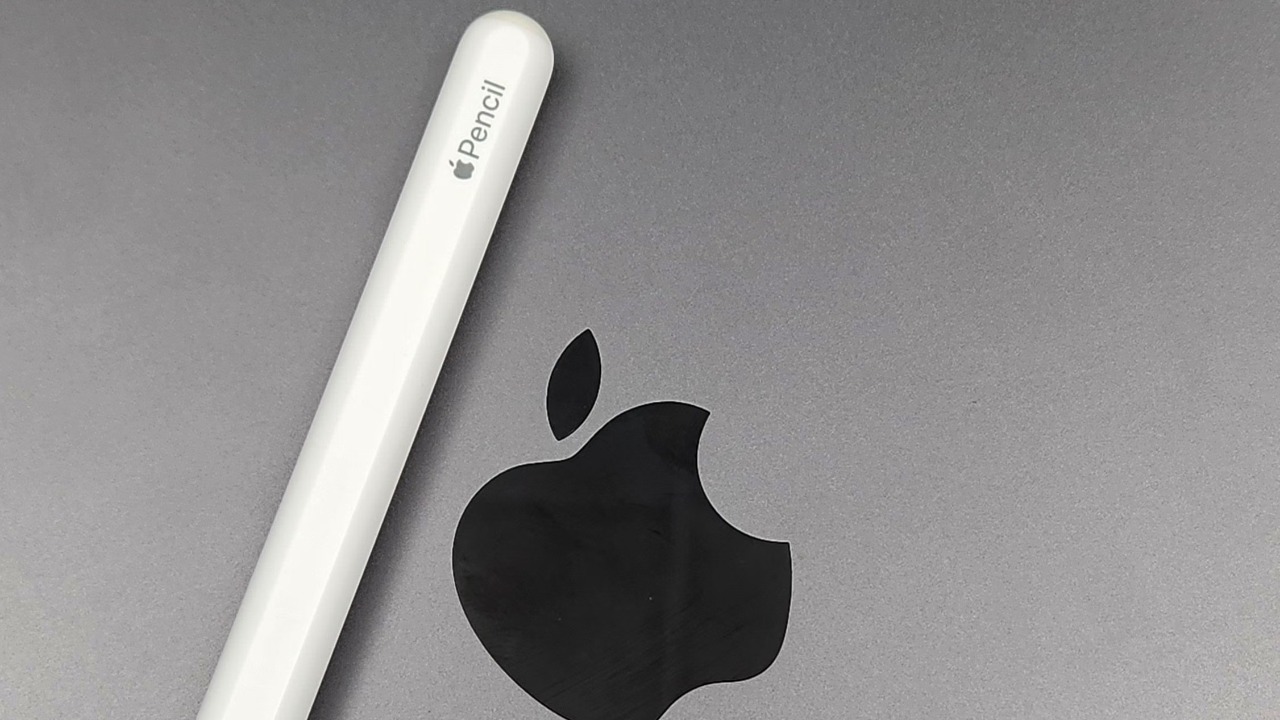

Apple currently sells two Pencil models that can look surprisingly similar from a distance but are aimed at very different users: the Apple Pencil (USB-C) and the Apple Pencil Pro.
For straightforward note-taking, document markup and occasional sketching, the $79 USB-C model covers the essentials without forcing buyers to pay for professional drawing controls. The $129 Apple Pencil Pro adds pressure sensitivity, wireless charging, double-tap, squeeze controls, barrel roll, haptic feedback and Find My support.
The biggest catch is compatibility. Apple Pencil Pro does not work with many older iPads, while the USB-C Pencil supports a substantially wider range. Before considering features or price, the exact iPad model should therefore determine which Pencil is even an option.
Both Pencils Handle the Basics Well
Apple has not deliberately made the cheaper Pencil inaccurate.
Both Apple Pencil USB-C and Apple Pencil Pro offer pixel-level precision, low latency and tilt sensitivity. Both can therefore handle handwriting, annotations, diagrams and ordinary drawing naturally. Apple also lists magnetic attachment for both models.
Tilt sensitivity means changing the angle of the Pencil can alter compatible tools, allowing effects such as broader shading. For students writing equations, office users marking PDFs or someone casually sketching in Notes, these shared features cover much of what makes an Apple Pencil useful.
Apple Pencil hover is also supported by both models when paired with a compatible iPad. Hover allows the user to preview where a mark will appear before the Pencil touches the display. However, hover support depends on the iPad as well as the Pencil, so it is not available across every USB-C Pencil-compatible device.
The similarities largely end once drawing becomes more demanding.
Pressure Sensitivity Is the Biggest Difference
The Apple Pencil Pro supports pressure sensitivity. The USB-C model does not.
That single difference can determine which Pencil makes sense for artists.
With Apple Pencil Pro, pressing lightly can create a thinner or softer stroke while increasing pressure can make a compatible brush darker, wider or more intense. That behaviour feels much closer to working with a real pencil, marker or brush.
The USB-C Pencil still detects tilt, but pressing harder does not produce the same pressure-dependent response.
For handwritten notes, this omission usually matters very little. Someone writing lecture notes, signing forms or highlighting PDFs is unlikely to feel restricted by the lack of pressure sensitivity.
For illustration, digital painting, calligraphy and detailed creative work, it can be a major compromise. Apple’s own Apple Pencil comparison lists pressure sensitivity as a Pro-only feature.
Apple Pencil Pro Adds Squeeze Controls
Apple Pencil Pro contains sensors that detect when the barrel is squeezed.
In compatible apps, squeezing can display a tool palette for changing pens, colours and line weights without reaching across the screen. Apple also allows the squeeze action to be configured for functions such as undo.
It sounds like a small feature, but it can make a significant difference during long drawing sessions.
Instead of stopping the current movement, tapping an onscreen menu and choosing another tool, the user can keep the Pencil in hand and call up controls directly.
Apple Pencil USB-C has no squeeze sensor.
For someone primarily writing notes, the absence is easy to live with. For an illustrator repeatedly switching brushes and colours, squeeze can make the workflow noticeably faster.
Barrel Roll Makes Brushes Feel More Realistic
Apple Pencil Pro also contains a gyroscope that recognizes when the Pencil is rotated between the fingers.
Apple calls the feature barrel roll. Rotating the Pencil can change the orientation of shaped brushes and pen tools.
A digital fountain pen, for example, can respond differently depending on the angle at which the virtual nib is held. A broad highlighter can similarly rotate as the physical Pencil rotates.
Apple confirms that barrel roll works with tools including the fountain pen and highlighter in apps such as Notes, Freeform and Markup, while supported third-party apps can implement it as well.
Apple Pencil USB-C does not include barrel roll.
This is another feature that casual users may barely notice but professional artists, designers and illustrators can appreciate immediately.
Pro Has Double-Tap and Haptic Feedback
Apple Pencil Pro allows the user to double-tap the barrel to switch between tools, such as moving from a pen to an eraser.
It also includes a small haptic engine. A squeeze or double-tap can produce a subtle physical pulse confirming that the action registered.
The USB-C Pencil offers neither feature.
Haptics do not improve line quality, but they make the Pencil feel more interactive. A physical confirmation can be useful because the user does not always need to stop and check whether a gesture has been recognised.
The cumulative effect of squeeze, double-tap, barrel roll and haptics is what makes the Pro version feel like a genuine drawing tool rather than simply a stylus.
Charging Is Much Better on Apple Pencil Pro
The two models take very different approaches to charging.
Apple Pencil Pro attaches magnetically to the side of a compatible iPad and pairs and charges wirelessly. When the Pencil is finished being used, placing it on the side of the iPad stores it and replenishes its battery automatically.
Apple Pencil USB-C also attaches magnetically for storage, but that magnetic connection does not charge it.
Instead, the top section slides open to expose a USB-C port. The Pencil must be connected with a USB-C cable for pairing and charging.
For occasional use, this is a minor inconvenience.
For someone who uses an Apple Pencil every day, wireless charging becomes one of the Pro model’s most useful advantages because there is almost no need to think about battery management.
Only Apple Pencil Pro Supports Find My
Apple Pencil Pro can appear in Apple’s Find My app, helping locate it when it has been misplaced nearby.
Apple Pencil USB-C does not include Find My.
That may sound insignificant until a $79 or $129 Pencil disappears between sofa cushions, inside a backpack or beneath paperwork.
The Pro model does not become an AirTag with every tracking capability Apple offers, but Find My provides an additional recovery option that the cheaper version lacks.
USB-C Pencil Has Much Broader iPad Compatibility
This is where the cheaper Pencil has a significant advantage.
As of 2026, Apple Pencil Pro is compatible with newer hardware including the 11-inch and 13-inch iPad Pro with M4 or M5, iPad Air 11-inch and 13-inch with M2, M3 or M4, and iPad mini with A17 Pro.
It does not work with many older iPad Pro models, the 10th-generation iPad, iPad A16, older iPad Air models or the sixth-generation iPad mini.
Apple Pencil USB-C supports those newer machines plus many older USB-C iPads. Apple lists compatibility extending back through multiple generations of 11-inch and 12.9-inch iPad Pro, iPad Air 4 and 5, iPad 10th generation, iPad A16 and iPad mini 6.
That makes the USB-C version the practical choice for many existing iPad owners even when they would prefer the Pro features.
The $50 Price Difference Is Really About the User
Apple currently lists the Apple Pencil USB-C at $79 and Apple Pencil Pro at $129 in the United States.
The extra $50 buys a substantial feature set rather than a slight specification improvement.
For a student mostly taking handwritten notes, annotating lecture slides and completing worksheets, USB-C is usually sufficient. Paying extra for barrel roll and pressure-sensitive brushes may provide little practical benefit.
For an illustrator, designer, digital painter or regular Procreate user, Apple Pencil Pro is the stronger choice. Pressure sensitivity alone can justify the difference, while squeeze, double-tap and barrel roll make creative workflows faster.
For a heavy note-taker with a compatible iPad, the decision is closer. Pro does not make handwriting dramatically more accurate, but wireless charging, double-tap and Find My improve convenience every day.
Apple Pencil USB-C vs Pro: The Real Verdict
Apple Pencil USB-C should not be viewed as a bad Apple Pencil. It is essentially the streamlined model: precise writing, low latency, tilt sensitivity, magnetic storage and broad compatibility, with advanced artist controls removed.
Apple Pencil Pro is the complete version.
Its pressure sensitivity is the most important creative upgrade, while squeeze, barrel roll, double-tap and haptic feedback improve interaction. Wireless magnetic charging makes ownership easier, and Find My provides extra protection against losing it.
For basic note-taking and markup, the USB-C Pencil is usually the better value.
For drawing, illustration or anyone who uses an Apple Pencil heavily every day, the Pro is worth the additional $50 provided the iPad supports it.
The iPad model therefore comes first, followed by how the Pencil will actually be used. A compatible artist should choose Pro. A casual writer can save the money without sacrificing the essential Apple Pencil experience.