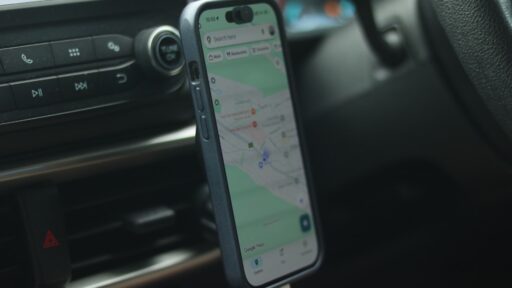
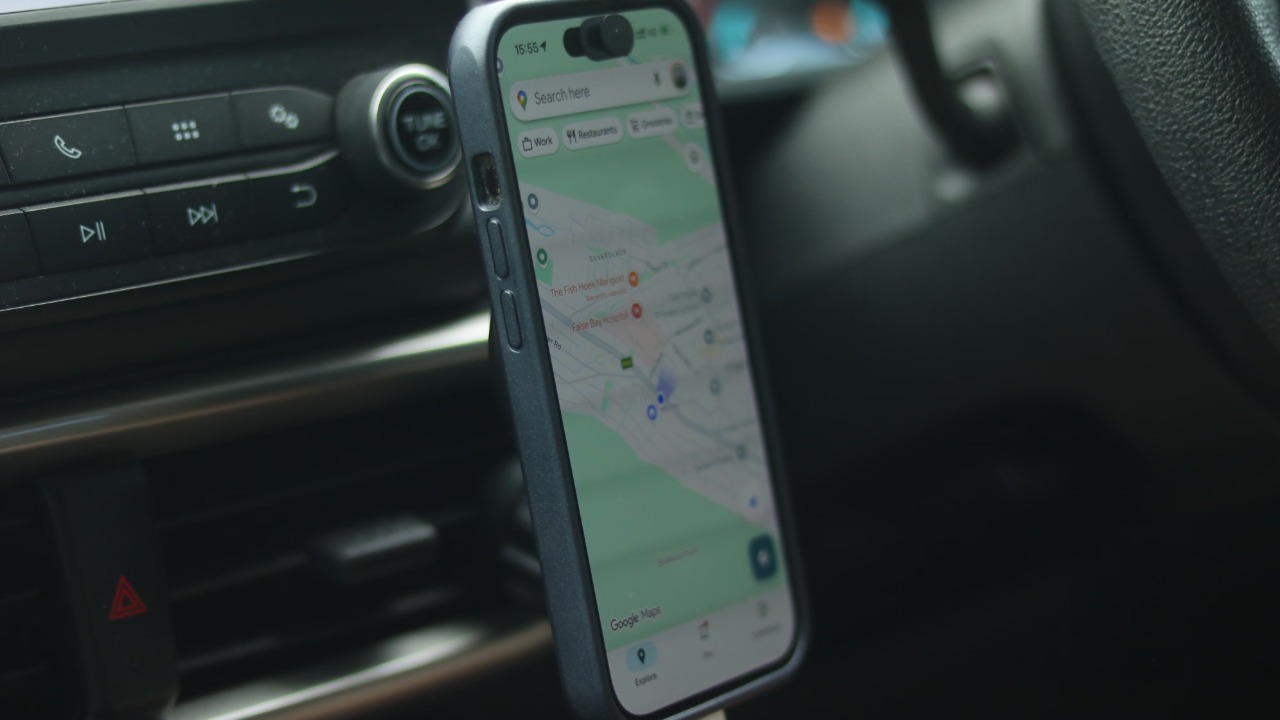

A phone mounted inside a car can face one of the harshest combinations of heat it encounters in normal use. Direct sunlight warms the screen and casing, navigation keeps the processor and GPS active, mobile data maintains a network connection, and charging produces additional internal heat.
The result may be a dimmed display, slow performance, interrupted charging or a temperature warning that temporarily disables the device. Repeated exposure to high temperatures can also shorten the long-term lifespan of the battery.
The danger is greatest when a phone sits on the dashboard or windshield. The National Weather Service says the temperature inside a parked vehicle can increase by approximately 20°F in only 10 minutes, even when the outdoor temperature does not appear extreme.
Apple designs iPhones to operate in ambient temperatures between 32°F and 95°F, or 0°C and 35°C. Google and Samsung publish similar guidance for their phones. A sunlit car can exceed those limits quickly, making prevention more effective than trying to cool an already overheated device.
1. Move the Phone Away From the Windshield
A windshield mount may provide a convenient view of navigation, but it can place the phone directly in concentrated sunlight. The dashboard itself may also become much hotter than the surrounding air and transfer heat into the device.
Google specifically advises keeping Pixel phones away from excessive heat, including hot vehicles and direct sunlight. Apple similarly warns against leaving an iPhone in a parked car because the interior temperature may exceed its safe storage range.
A lower mount near the centre console is generally preferable to one attached high on the windshield. The phone should remain visible without blocking the driver’s view, but it should also be positioned where the roof or dashboard design provides some shade.
When no shaded mounting position exists, a small dashboard sunshade designed for phones may reduce direct exposure. Covering the device with a heavy cloth while it is operating is not a good substitute because trapped heat may prevent normal cooling.
2. Use the Air-Conditioning Vent Carefully
Mounting the phone in front of an air-conditioning vent can provide a steady flow of cooler air across its rear surface. That airflow helps carry away heat created by navigation, cellular activity and charging.
The original Engadget guide to preventing phone overheating in a car recommends positioning a mounted phone near an air vent when necessary. It compares the airflow with the active cooling used by computers, although the temperature should remain moderate rather than extremely cold.
The air should cool the device gradually. A hot phone should not be pressed against ice, covered with a frozen pack or placed inside a refrigerator. Samsung warns that rapid cooling can create condensation inside the device, potentially causing damage even when the phone has a water-resistance rating.
The same vent mount should not be used when the vehicle heater is running. Google’s safety guidance warns that very high temperatures near a heating vent can damage the phone and overheat its battery.
3. Stop Charging When the Phone Becomes Hot
Charging naturally creates heat. When it happens alongside direct sunlight, GPS navigation, maximum screen brightness and mobile-data use, the combined temperature can become too high for the phone to manage comfortably.
Google advises disconnecting an overheated Pixel from its power source and leaving it unused in a cooler location until its temperature falls. Samsung gives similar guidance and notes that an overheated Galaxy device may automatically pause charging, close applications or reduce performance.
Apple devices may also slow or pause charging when their internal temperature becomes too high. This is a protective feature rather than evidence that the cable or charger has necessarily failed.
A driver who needs navigation may gain more usable battery time by charging the phone before departure and disconnecting it during the hottest part of the journey. When charging remains essential, keeping the device shaded and reducing other workloads becomes especially important.
4. Lower the Screen Brightness
A bright display consumes more power and produces more heat. Automatic brightness may push the screen close to its maximum level when strong sunlight enters the vehicle, making the phone easier to read but placing additional strain on the battery.
Google and Samsung both recommend reducing display brightness when a phone begins feeling unusually warm.
Navigation does not always require the phone screen to remain fully illuminated. When directions are displayed through Android Auto or Apple CarPlay, the phone itself can often remain locked or at a low brightness level.
Dark mode may also provide a modest benefit on phones with OLED screens because dark pixels require less power than bright white interfaces. Engadget includes it among the simple settings that can reduce heat during car use.
5. Reduce the Workload Running in the Background
Navigation is already demanding. It may use GPS, mobile data, mapping software, screen rendering and voice instructions at the same time. Adding video recording, gaming, hotspot sharing or multiple background applications can increase power consumption further.
Samsung identifies prolonged GPS tracking, processor-intensive applications and simultaneous app use as common reasons a Galaxy phone may become hot.
Unused applications should be closed when overheating begins. A mobile hotspot should also be disabled when it is no longer required, particularly during a long summer drive.
Poor cellular reception can create additional heat because the phone works harder to maintain its connection. Samsung lists weak network conditions as another potential cause of excessive temperature.
Downloading an offline map before travelling through a weak-signal area can reduce dependence on constant mobile-data activity. The phone can still use GPS for location while retrieving less mapping information over the network.
6. Remove a Thick Case Temporarily
A protective case can help prevent physical damage, but some thick or heavily insulated designs also slow the release of heat.
When a phone becomes unusually hot, removing the case can expose more of its surface to circulating air. Apple recommends removing an iPhone case when the device tends to become too warm during charging, while Samsung also advises removing the cover as part of its overheating response.
The phone should then be placed on a dry, shaded surface with adequate ventilation. It should not be left loose on a seat where it could slide beneath the pedals or become a projectile during sudden braking.
Once the temperature has returned to normal, the case can be reinstalled. Frequent overheating while using a particular heavy case may indicate that a thinner, properly fitted design would be more suitable for navigation and charging.
7. Never Leave the Phone in a Parked Car
Moving the vehicle into shade or cracking the windows does not make a parked car safe for electronics during hot weather. NHTSA says vehicle interiors heat rapidly and that partially opened windows provide little protection against the temperature increase.
Apple states that an iPhone should be stored between -4°F and 113°F, or -20°C and 45°C, and specifically warns that parked cars can exceed that range.
The phone should leave the car with its owner, even during a brief stop. Placing it inside the glove compartment may hide it from sunlight, but the surrounding cabin can still become dangerously hot.
A device left in extreme heat may later refuse to switch on, pause charging or display a temperature warning. It should be allowed to return gradually to a normal temperature before being used or connected to power.
8. Respond Correctly to a Temperature Warning
Modern phones protect themselves when internal temperatures become unsafe. An iPhone may dim or disable its display, reduce performance, interrupt camera functions and stop charging. Apple notes that navigation may continue with spoken directions even when the screen has temporarily switched off.
A Pixel may display a warning, enter a reduced-power state or shut down. Samsung devices can close applications, limit charging and restrict functions until sufficient cooling has occurred.
The correct response is to unplug the device, move it out of direct sunlight, stop demanding applications and allow it to cool naturally in a ventilated place. Turning it off can help when the temperature remains high.
The warning should not be repeatedly dismissed while navigation, charging and maximum brightness continue. The phone is already reducing functionality because its normal cooling system can no longer control the heat.
Prevention Is Easier Than Emergency Cooling
A phone usually overheats in a car because several sources of heat are acting together. Sunlight warms the body, the dashboard radiates additional heat, navigation keeps major components active and charging raises the battery temperature.
Moving the phone into shade, lowering brightness, avoiding unnecessary charging and directing gentle air-conditioning toward the mount can prevent those factors from combining.
An occasional temperature warning during an extreme day does not necessarily indicate defective hardware. Repeated overheating under mild conditions, however, may point to a damaged battery, unsuitable charger, problematic application or hardware fault that requires professional inspection.
The safest approach is simple: the phone should be treated less like a passive dashboard accessory and more like a small computer with strict temperature limits.