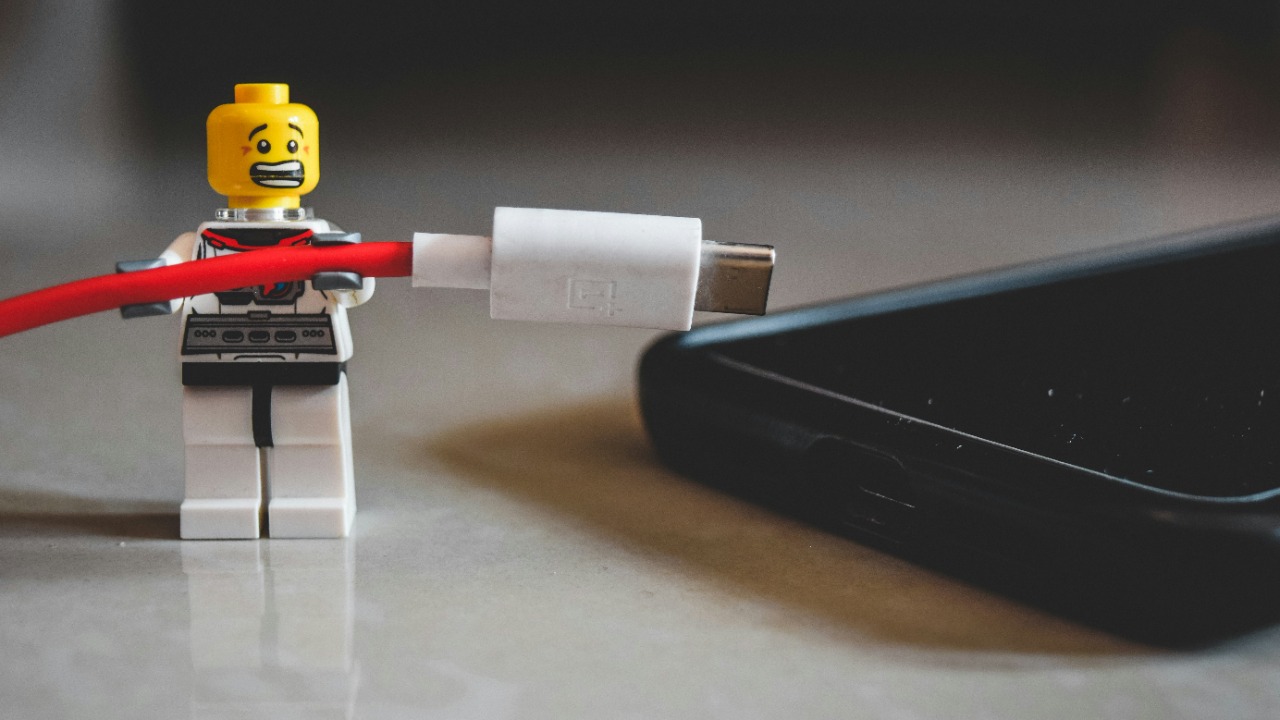

A phone charger is often used every day, carried between rooms, bent around furniture and packed into bags without much attention. Because it is such a familiar accessory, early signs of damage can easily be overlooked. A charger may continue supplying power even when its cable, connector or internal components have begun to deteriorate.
A failing charger does not always stop working immediately. It may charge more slowly, disconnect unexpectedly or become unusually warm before developing a complete fault. Some problems are only inconvenient, while others may expose the phone to unstable charging or create an electrical safety risk.
Apple and Google both advise against using damaged charging cables or power adapters. Their safety guidance warns that compromised accessories can contribute to fire, electric shock, personal injury or device damage.
Recognizing the following four warning signs can help determine when a charger should be tested, retired or replaced.
Sign 1: The Cable or Adapter Has Visible Damage
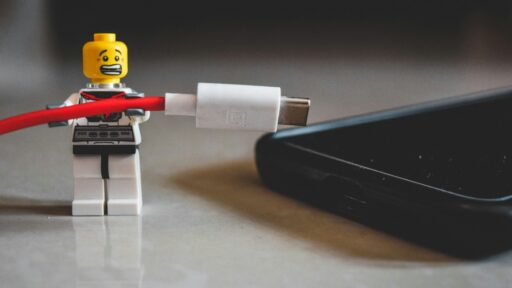
Physical deterioration is one of the clearest indications that a charger has reached the end of its safe working life. Common examples include frayed insulation, exposed internal wiring, cracks near the connector, bent plug prongs, a split adapter casing or dark discoloration around the charging port.
The areas where the cable enters the USB connector and power adapter are particularly vulnerable. These sections repeatedly bend during normal use, especially when the phone is handled while charging. Over time, the protective outer layer can weaken even when the cable still appears functional.
A small crack should not be treated as a cosmetic issue. Once insulation is damaged, the internal conductors may become exposed to moisture, metal objects or direct contact. Continued bending can also break individual wires inside the cable, producing intermittent power delivery and additional heat.
Apple’s official guidance on inspecting power adapters and charging cables advises users to stop using accessories with breakage, visible damage or discoloration. Damaged, loose or bent wall-plug prongs are also identified as a safety risk rather than something that should be manually repaired.
Temporary repairs using ordinary tape may cover a split, but they do not restore the cable’s original insulation, strain relief or internal integrity. A visibly damaged charger should therefore be replaced rather than repeatedly patched and returned to daily use.
Sign 2: The Charger Becomes Unusually Hot
Some warmth during charging is normal. Power adapters convert electricity from the wall into the voltage required by the phone, and part of that energy is released as heat. Fast charging can also make the phone and adapter warmer than they would be during slower charging.
The warning sign is excessive or unusual heat. A charger may need replacing when it becomes too hot to handle comfortably, heats up much more than it did previously or remains hot even when the phone is no longer drawing significant power.
Unusual heat can develop because of damaged internal components, poor electrical connections, overloaded circuitry or an incompatible charging setup. A failing cable may also create resistance at a damaged section, causing heat to build around the connector.
Heat accompanied by a burning smell, buzzing sound, melted plastic, smoke or visible sparks requires immediate action. The charger should be disconnected safely and should not be tested again. Google’s charger safety guidance states that damaged cables or adapters can cause fire, electric shock and property damage, and it advises against attempting to repair the charger independently.
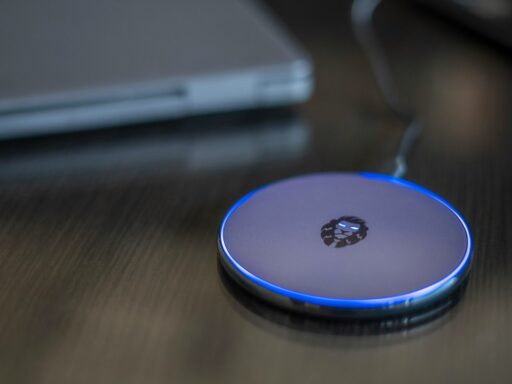
Charging conditions also affect temperature. A phone, charger or wireless charging pad should not be covered by bedding, placed beneath a pillow or trapped where heat cannot escape. Google specifically warns that covering connected charging equipment can increase the risk of injury or fire.
Moving the charger into an open, ventilated area can help determine whether the heat is caused by its surroundings. However, an adapter that repeatedly overheats under normal conditions should be removed from service.
Sign 3: Charging Has Become Slow or Unreliable
A phone that repeatedly starts and stops charging may be experiencing a charger problem. The battery symbol may appear and disappear, the phone may charge only when the cable is held at a particular angle, or the battery percentage may rise far more slowly than expected.
Slow charging does not automatically mean the charger is defective. The same symptoms can be caused by debris in the phone’s charging port, a weak wall outlet, battery temperature controls, background activity or a power adapter that does not support the phone’s preferred charging standard.
A simple comparison can help isolate the cause. The existing cable can be tested with a known-compatible adapter, and the adapter can be tested with a reliable cable. A different wall socket can also rule out a loose or faulty outlet. When one component consistently causes the problem, that component is likely to require replacement.
Apple’s charging troubleshooting instructions recommend checking the cable and USB adapter for damage, confirming that all connections are firm and trying another power outlet. Google similarly notes that a “Check charging accessory” warning may indicate that the cable or adapter is damaged or unsupported.
Intermittent charging should not be ignored simply because repositioning the cable temporarily restores power. Needing to twist, bend or press the connector often indicates an internal break, worn plug or damaged port. Continuing to use it may worsen the cable damage and place unnecessary strain on the phone’s charging socket.
Sign 4: The Connector Is Loose, Burned or Corroded
A charging connector should fit securely into the phone without excessive movement. A small amount of normal play may exist between different devices, but the connection should not fall out easily or lose power whenever the phone is moved.
A loose connection can result from a worn cable connector, accumulated debris inside the phone or damage to the charging port itself. Testing another compatible cable can reveal whether the looseness follows the charger. When several cables fit poorly, the phone’s port may need professional inspection instead.
Burn marks, melted plastic or darkened metal around a connector are more serious signs. They can indicate overheating, contamination, electrical arcing or a damaged contact surface. The accessory should not be reinserted to see whether it still works.
Corrosion may develop when a wet connector is connected to power. Apple explains in its liquid-detection guidance that charging through a wet Lightning or USB-C connection can corrode the pins, cause permanent damage and create future connectivity problems.
Google also advises users to disconnect a charger when a phone reports liquid or debris in the USB port. A connector that appears burned, melted or corroded should be treated as damaged rather than cleaned aggressively with metal tools.
Choosing a Safe Replacement Charger
A replacement should match the phone manufacturer’s charging requirements. The connector type alone does not guarantee that every adapter supports the same voltage, charging speed or communication protocol.
Many modern Android phones and newer electronic devices use USB Power Delivery. Google recommends a USB-C Power Delivery-compliant charger for compatible Pixel devices, while Apple allows compatible third-party adapters and cables that comply with applicable regional regulations and recognized safety standards.
A higher wattage rating does not normally force a compatible phone to accept more power than it supports because properly designed USB charging systems negotiate the required power. However, unknown, counterfeit or poorly manufactured accessories may not implement those protections reliably.
The replacement should come from the phone manufacturer or a reputable accessory company that clearly states compatibility, output ratings and relevant certification. Extremely cheap chargers with missing manufacturer information, unclear electrical specifications or poor construction should be avoided.
For Lightning accessories, Apple’s guidance on counterfeit and uncertified connectors explains that uncertified products may become damaged easily, overheat or fail to charge and synchronize correctly.
A Charger Should Be Replaced Before It Completely Fails
A charger does not need to be entirely dead before replacement becomes reasonable. Visible cable damage, excessive heat, unreliable charging and burned or corroded connectors all suggest that continued use may create more risk than value.
The phone itself should also be considered during troubleshooting. A new charger will not solve a damaged charging port, failing battery or software-controlled charging limitation. Comparing components with known-working accessories can prevent unnecessary replacement and help identify whether the problem belongs to the cable, adapter, outlet or phone.
Once clear physical or electrical warning signs appear, continuing to use the charger simply because it still delivers some power is not a safe long-term strategy. Replacing it with a compatible, properly certified accessory can restore dependable charging while reducing the risk of damage to the device and its surroundings.