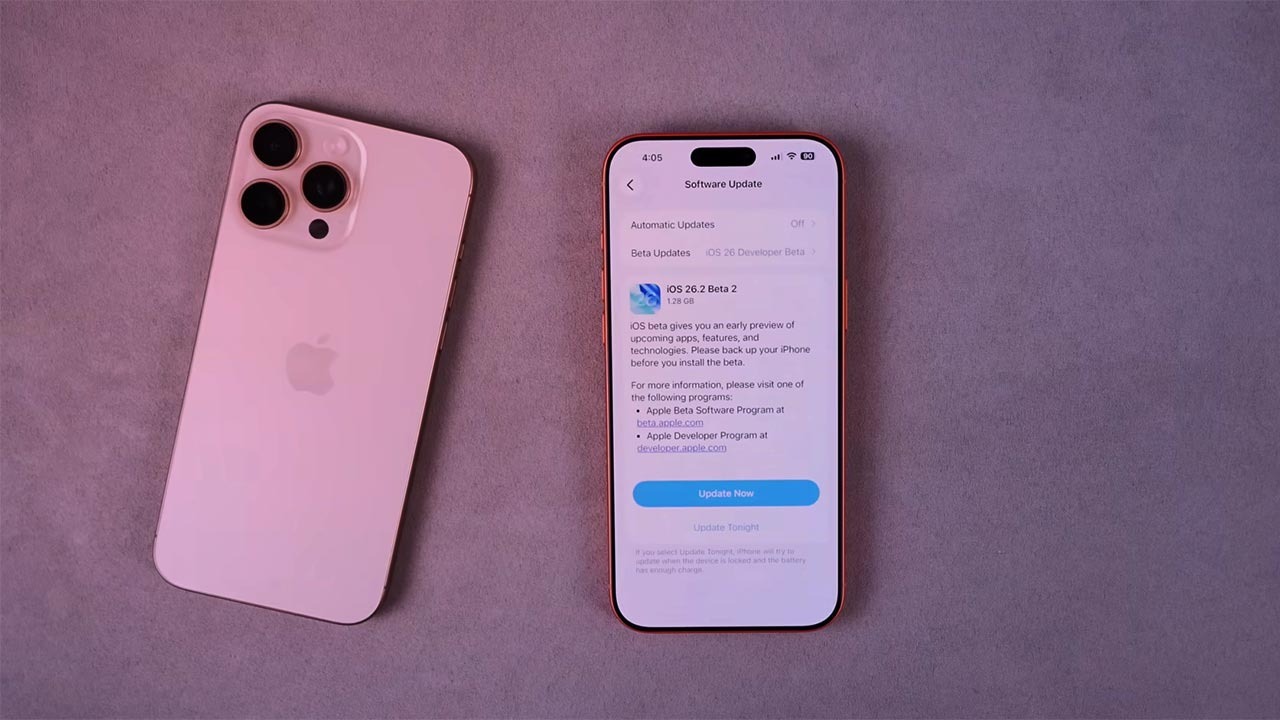

Apple is pushing iPhone owners to install iOS 26.2.1 quickly, framing the release as a crucial step to keep devices secure and stable rather than just another routine patch. The update builds on iOS 26.2, which already tackled serious browser flaws, and now folds in new hardware support and targeted fixes that close off fresh avenues for attack. With hundreds of millions of devices in play and active spyware campaigns still surfacing, delaying this upgrade is becoming a risky choice.
At the same time, the rollout is not entirely straightforward, especially for people with older handsets or those on specific mobile networks. While iOS 26.2.1 is designed to protect iPhones and squash bugs, there are also warnings about call issues on some legacy models and signs that future services will depend on staying current. I want to unpack what is in this release, why the security context matters, and how to update safely without getting caught by edge‑case problems.
What iOS 26.2.1 actually changes on your iPhone
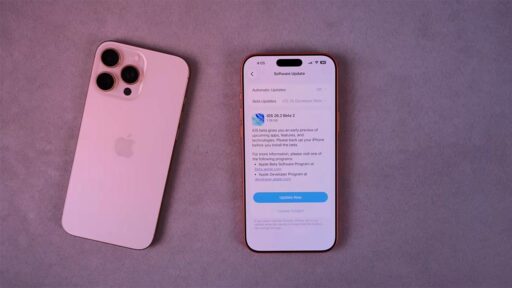
Apple describes iOS 26.2.1 as a focused maintenance release that Aims To Keep iPhones Secure And Squash Bugs, rather than a flashy feature drop. The software follows iOS 26.2, so the version number still reads 26.2, but the extra point signals a round of refinements that tighten stability and address issues that surfaced after the last major update. According to Apple Releases, the company is positioning this as a minor but important follow‑up that keeps the 26.2 line on track.
One headline change is support for AirTag 2, which relies on updated Ultra Wideband hardware for more precise tracking. Apple has officially launched AirTag 2 with internal upgrades, and iOS 26.2.1 is the piece that lets iPhones talk properly to the new accessory so location finding stays accurate and system performance remains smooth and responsive. That link between the software and the tracker is highlighted in both Support documentation and in coverage that notes how Apple is using the update to keep its accessory ecosystem in sync.
The security backdrop: from WebKit flaws to spyware campaigns
The urgency around iOS 26.2.1 only makes sense when you look at the security trail that led here. Earlier, iOS 26.2 fixed two flaws in WebKit, the engine that underpins the Safari browser, that Apple said may have been exploited in the wild. Those browser bugs were particularly dangerous because they could be triggered just by visiting a malicious site, potentially exposing encrypted apps such as WhatsApp, and they were serious enough that Apple highlighted them in its own notes on Safari and the 26.2 patch.
Even after those fixes, millions of users who have not updated remain exposed to spyware attacks that target older versions of iOS. Security reports warn that, However, millions of users who have not updated their devices could be putting themselves at risk, especially when attackers chain browser flaws with other weaknesses that are only closed in the latest builds. That is why Apple now stresses that iOS 26.2.1 Aims To Keep devices Secure And Squash Bugs, and why independent experts are echoing the call to move quickly to However new exploits emerge.
Apple’s escalating warnings to hundreds of millions of Users
Apple has not been subtle about the scale of the risk. The company recently issued a broad alert that as many as 800 M devices could be vulnerable if they stay on outdated software, a figure that covers iPhones and iPads from the iPhone 5s generation and later. That message, framed as Apple Issues Major Warning to 800 Million iPhone Users, underlines how many Million Users are still lagging behind and why Apple Issues Warning notices have become more frequent Late in each update cycle as Apple Issues Major about lingering vulnerabilities.
Behind the scenes, Apple has also been shipping urgent fixes across multiple iOS branches, covering devices as old as the iPhone 5s from 2013 and warning that, On Monday, Apple released these updates because some services would eventually stop working altogether without them. That pattern is reinforced by new guidance that Without that replacement, services such as iMessage, FaceTime, and Apple Account sign‑in could stop working after January 2027 for devices stuck on certain builds, a sign that the company is tying core features more tightly to current software. Together, those moves show how On Monday, Apple is using both carrots and sticks to push people toward iOS 26.2.1.
New features, bug fixes and the lingering Scan issue
While security is the headline, iOS 26.2.1 also builds on the user‑facing changes that arrived with 26.2. That earlier release introduced tools like Enhanced Safety Alerts and other privacy‑focused tweaks, which sit alongside under‑the‑hood improvements to messaging and apps. Those additions are part of a broader push in iOS 26.2 to give people more granular control over how alerts and data are handled, as detailed in the New Enhanced Safety menu and related features.
At the same time, some users have reported problems that Apple is still working through. One discussion thread highlights a complaint that after the 26.1 and 26.2 updates on iPhone 15 and 16, the camera view used for QR payments and scanning sometimes shows only a black screen, leading to calls for Apple to Fix the Scan issue and restore reliable behavior. iOS 26.2.1 is described in some coverage as focused on bug fixes, and while Apple’s Release Notes do not list every tweak, the pattern of quick follow‑ups suggests that the company is targeting exactly these kinds of glitches, even if people on the Fix the Scan thread are still waiting to see whether their specific problem is resolved.
Why some older iPhones should pause before updating
For most people, the advice is simple: install iOS 26.2.1 as soon as possible. However, there is a notable exception for Some older iPhones, including iPhone 8, 8 Plus and X, that are currently experiencing network issues in Australia after a recent Apple update. Local carrier Telstra has warned that these devices may be unable to connect properly to its network, including emergency calls to Triple Zero (000), and authorities have urged affected users not to update their phones until a fix is in place, according to Telstra.
A separate advisory notes that Some devices may not be able to make or receive calls, including to Triple‑0, and that users on those networks should hold off on installing the latest Apple software until they receive confirmation that the issue is resolved. This is a rare case where the usual security‑first guidance is tempered by a very practical connectivity risk, especially for people who rely on their iPhone as their only phone line. If you are on Telstra or another carrier issuing similar alerts, it is worth checking their latest advice before tapping Triple update.