
OpenAI has introduced its new flagship image generation model, GPT Image 1.5, inside ChatGPT as part of a broader ChatGPT Images experience that promises faster generation, advanced editing tools, and a direct challenge to Google’s Nano Banana image system. The rollout is being framed as part of a “code red” push inside OpenAI to outpace Google, with the new model tightly integrated into ChatGPT so users can generate and refine visuals without leaving the chat interface.
What GPT Image 1.5 and ChatGPT Images Actually Are
OpenAI is positioning GPT Image 1.5 as its new flagship image generator AI, with reporting that explicitly describes it as the company’s “new flagship image generation model” and successor to its previous image systems. That branding signals a clear hierarchy inside OpenAI’s portfolio, elevating GPT Image 1.5 above earlier models that powered tools like DALL·E and making it the default choice for high‑quality visuals. For users and enterprises that have been waiting to see where OpenAI would concentrate its image research, the flagship label is a strong indicator that future improvements in fidelity, style control, and safety will converge around this model.
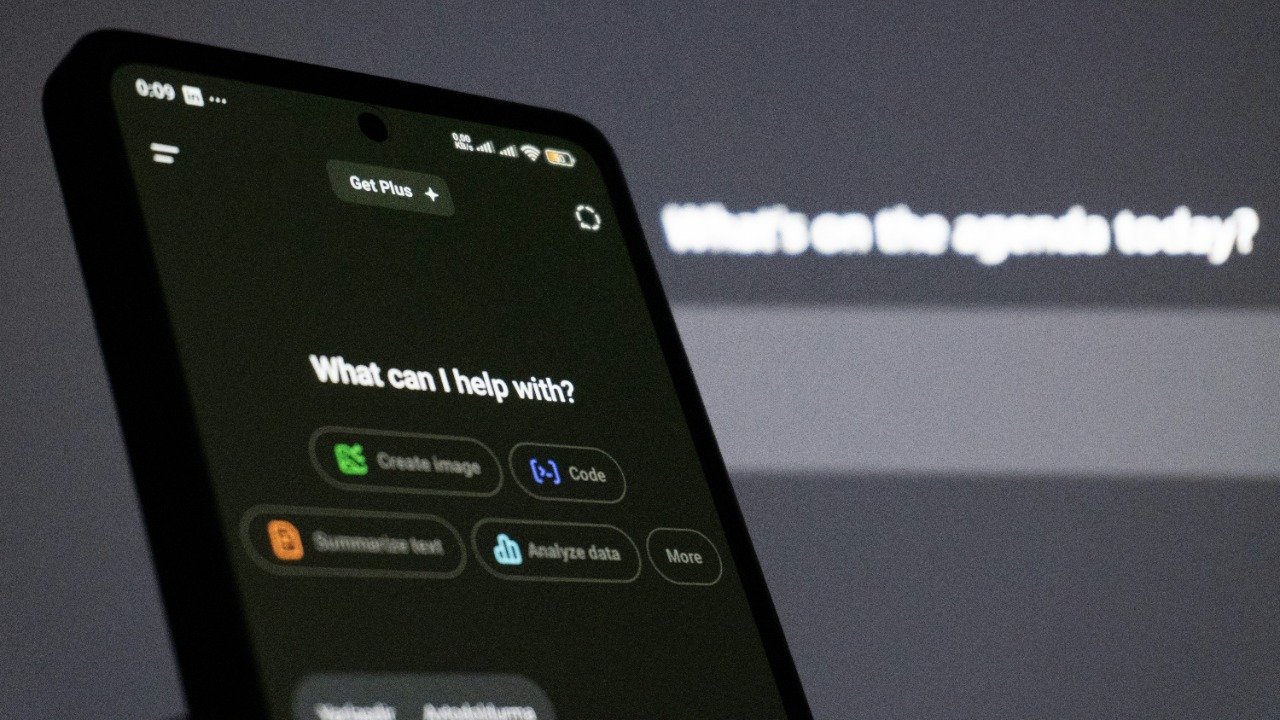
Rather than releasing GPT Image 1.5 as a standalone app, OpenAI is packaging it inside a new ChatGPT Images experience that lives directly in the chat interface. In its own product description, OpenAI explains that ChatGPT Images turns image generation and editing into a dedicated workflow inside ChatGPT, so users can move from text to visuals and back again in a single conversation. Coverage from The AI Insider underscores that GPT Image 1.5 is launched “for ChatGPT,” highlighting that the model is not just accessible through ChatGPT but is designed around the back‑and‑forth rhythm of chat, which matters for anyone who wants to iterate on designs, storyboards, or marketing assets in real time.
Key Technical Upgrades: Speed, Quality, and Editing
The most immediate upgrade users will notice is speed. According to The AI Insider, GPT Image 1.5 delivers “faster generation” compared with earlier OpenAI image models, cutting the time between prompt and finished image. That improvement is not just a convenience feature; for designers cycling through logo variations, marketers testing multiple ad creatives, or educators generating classroom visuals on the fly, shorter wait times translate directly into more iterations and a higher chance of landing on a usable result within a tight deadline. Faster generation also makes it more realistic to use ChatGPT Images in live settings, such as client meetings or collaborative workshops, where lag can derail the flow of ideas.
Speed is paired with a deeper focus on editing. The AI Insider emphasizes that GPT Image 1.5 brings “advanced editing” capabilities, indicating more powerful tools for modifying existing images inside ChatGPT rather than starting from scratch each time. That aligns with separate coverage that characterizes GPT Image 1.5 as “optimized for image editing”, a notable shift from pure generation toward iterative, fine‑grained visual changes. For professionals, this optimization means they can treat ChatGPT as a kind of conversational Photoshop, asking it to adjust lighting on a product shot, swap out a background behind a 2024 Toyota RAV4, or tweak the color palette on a social media graphic without manually redrawing or masking elements.
How the New Model Works Inside ChatGPT
OpenAI’s own description of ChatGPT Images outlines a workflow where users can generate and refine images directly within a conversation, using natural language as the primary control surface. In that explanation, OpenAI says ChatGPT Images lets people create visuals, ask for changes, and combine text and images in a single thread, so a user might start with a prompt for “a cozy reading nook with a mid‑century armchair,” then follow up with instructions to “make the walls a deep navy and add a floor‑to‑ceiling bookshelf.” This conversational loop reduces the friction that typically comes with switching between a chat assistant and a separate image editor, which is particularly important for non‑experts who may not know how to operate complex design software.
The AI Insider adds more detail on how GPT Image 1.5 behaves inside that environment, reporting that the model responds to natural‑language prompts and supports step‑by‑step editing instructions. In practice, that means a user can upload a draft poster for a local music festival, ask ChatGPT to “brighten the overall image, make the band name larger, and replace the date with July 18,” then continue refining until the layout feels right. SiliconANGLE notes that GPT Image 1.5’s optimization for editing makes ChatGPT more useful for tasks like revising design drafts or updating parts of an existing image, which could reshape workflows for agencies that currently bounce between tools like Figma, Canva, and Adobe Photoshop to get from concept to final asset.
Competitive Context: Racing Google’s Nano Banana
The launch of GPT Image 1.5 is not happening in a vacuum. Fortune reports that OpenAI released the new image model as it “races to outpace Google’s Nano Banana” image technology, framing the move as part of a broader contest for leadership in generative visuals. That framing matters because it shows OpenAI is not just iterating on its own roadmap but actively responding to a rival system that has captured attention for its own image capabilities. For customers deciding where to place long‑term bets, the explicit comparison to Nano Banana signals that OpenAI intends GPT Image 1.5 to be judged head‑to‑head on quality, speed, and usability.
TechCrunch goes further, explaining that OpenAI is on a “code red warpath” internally, with GPT Image 1.5 framed as part of an aggressive response to competition from Google. CNET echoes that competitive posture, noting that OpenAI’s new AI image model in ChatGPT is explicitly positioned to “rival Google’s Nano Banana”, while Mashable describes ChatGPT Images as a “Nano Banana competitor”. For developers and enterprises, this rhetoric signals a likely acceleration in feature releases and pricing experiments as both companies try to lock in users, which could lead to faster innovation but also more volatility in how these tools are packaged and sold.
Strategic Positioning and Market Impact
By branding GPT Image 1.5 as its “new flagship image generation model,” OpenAI is sending a clear signal about where it sees the center of gravity in its visual AI stack. The Verge notes that OpenAI is explicitly calling GPT Image 1.5 its new flagship image generator AI, which effectively retires earlier models from the top tier and concentrates attention on this release. That kind of positioning tends to influence which APIs partners adopt, which models third‑party platforms integrate, and where OpenAI focuses its safety and policy work, so it has implications that stretch beyond casual ChatGPT users to the broader ecosystem of apps that embed OpenAI technology.
TechCrunch’s description of a “code red warpath” suggests that GPT Image 1.5 is part of a larger escalation in OpenAI’s product release tempo and competitive posture, not a one‑off upgrade. Fortune similarly frames the new image model as fitting into OpenAI’s race to maintain leadership in generative AI amid pressure from Google’s Nano Banana, implying that image tools are now a frontline in the broader AI platform battle. For investors and enterprise buyers, that context raises the stakes: choosing GPT Image 1.5 and ChatGPT Images is not just about current features, it is a bet on how OpenAI will evolve its multimodal capabilities relative to Google’s stack over the next several product cycles.
What Changes for Users and Developers
For everyday ChatGPT users, the most tangible change is access. OpenAI’s own announcement explains that ChatGPT Images gives people one‑click access to image generation and editing without leaving the chat interface, turning what used to be a separate creative step into something that can happen alongside drafting emails, planning trips, or writing code. That integration lowers the barrier for people who might never open a dedicated design app but still need visuals for a school project, a small business flyer, or a social media post, and it could shift some casual use away from template‑driven tools like Canva or Instagram’s built‑in editors.
The AI Insider stresses that faster generation and advanced editing in GPT Image 1.5 shorten creative cycles for users working on visuals inside ChatGPT, which is particularly relevant for creators who need to test multiple concepts quickly. At the same time, SiliconANGLE points out that developers and professionals who rely on image editing workflows may benefit from GPT Image 1.5’s optimization for iterative changes and fine‑tuning, since they can script or prompt complex sequences of edits instead of manually repeating them. For teams building products, that could mean integrating GPT Image 1.5 into content management systems, e‑commerce platforms, or mobile apps so that non‑technical staff can request on‑brand visuals, adjust them with natural language, and publish them without waiting on a dedicated design department.