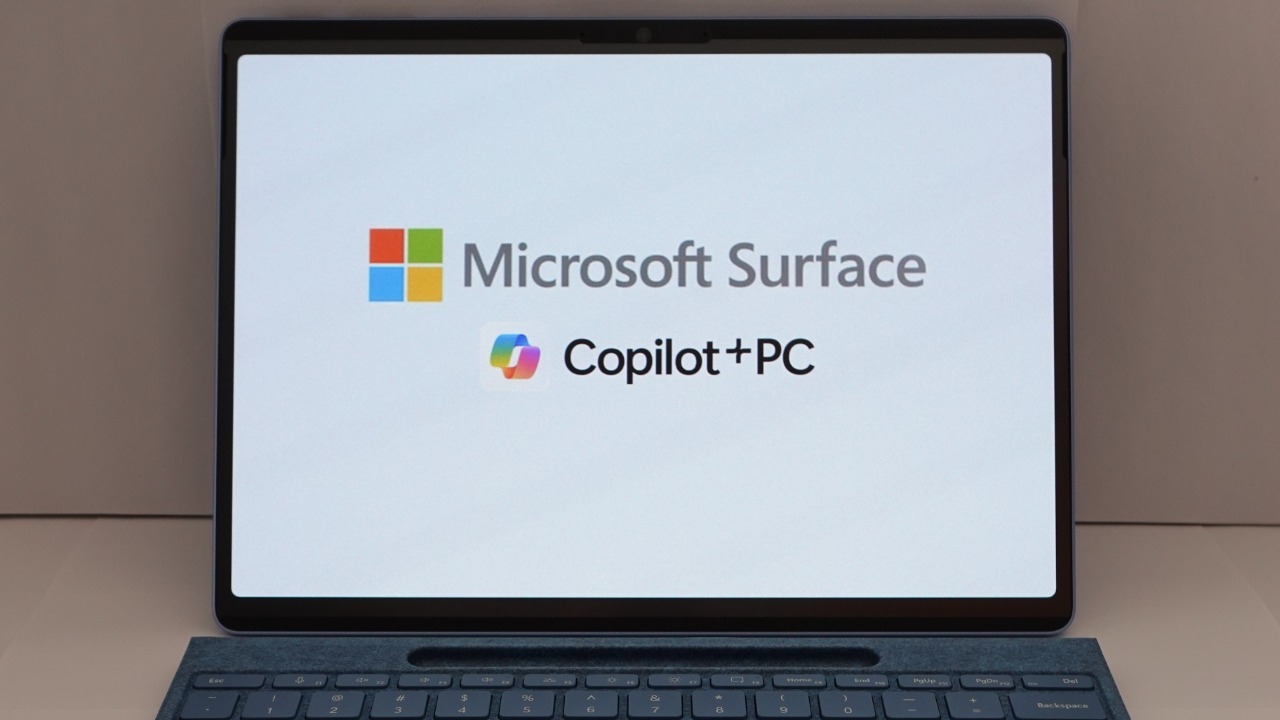

For years, Windows 11 laptop owners have watched their batteries melt away overnight even when their devices were supposedly asleep. That long‑running frustration is finally getting a real fix, as Microsoft moves to shut down a Modern Standby bug that let background activity punch through sleep and quietly drain power. The change arrives as part of a broader effort to make Windows 11’s low‑power modes behave more like users always assumed they did.
The core promise is simple: when a PC is in sleep, it should stay that way, without surprise wake‑ups, mystery heat, or a dead battery by morning. By targeting the way Windows handles Modern Standby, background processes, and newer hardware like NPUs, Microsoft is trying to restore that basic trust in the power button.
How Modern Standby turned “sleep” into a battery liability
The root of the problem sat inside Modern Standby, the low‑power state that lets a sleeping laptop stay lightly connected for tasks like email sync and notifications. On paper, it sounded like a smart middle ground between classic S3 sleep and full hibernation, but in practice Modern Standby caused excessive battery usage and unexpected wake‑ups for many users. Even Microsoft has now acknowledged that Modern Standby causes drain in scenarios where the system should have been nearly idle.
The practical effect was familiar to anyone with a thin‑and‑light notebook or a 2‑in‑1: close the lid at 60 percent, pull it out of a bag a few hours later, and find it warm and nearly dead. Complaints piled up across support forums and feedback hubs as users described their devices waking themselves in a backpack or on a desk, sometimes because of network traffic, sometimes because of overly aggressive apps. Microsoft now says Windows 11 longer triggers unexpected tied to this behavior, a rare, explicit admission that the default design had gone too far.
The specific Windows 11 bug that punched through sleep
On top of Modern Standby’s design quirks, a more targeted Windows 11 bug made things worse by letting certain background processes break through standby entirely. There was a bug in Windows 11 that allowed background processes to break through standby and wake the computer, so even when users thought a laptop was in low‑power mode, some tasks could still run and pull the machine back to life. One detailed report explains that Windows 11 finally behavior so the operating system respects the boundaries of sleep again.
The issue was not just theoretical. There was a bug in Windows that allowed background activity from apps like chat clients, cloud sync tools, or even some drivers to still run certain background processes during standby, which meant a PC that should have been sipping milliwatts was instead acting like it was half awake. One analysis describes how There was a the sleep logic that effectively let those processes bypass the intended power limits, a subtle flaw that only showed up after hours of supposed inactivity.
What the new Windows 11 updates actually change
Microsoft is rolling the fix into newer builds of Windows 11, including Windows 11 24H2 and later releases that adjust how Modern Standby and sleep interact. The company has confirmed that Windows 11 24H2 and later no longer let the same background patterns cause runaway battery consumption, and reports say Windows 11 finally the recurring drain that Modern Standby users have been fighting. For many laptops, that should translate directly into cooler bags, quieter fans, and a battery gauge that looks the same in the morning as it did the night before.
The February servicing wave for Windows 11 also addresses other power‑related quirks, including issues tied to newer neural processing units. According to Microsoft, the problem with NPU‑driven battery drain has been resolved with this week’s Patch Tuesday update, and one summary notes that According to Microsoft the fix is already live for affected devices. Beyond the power tweaks, the same February 2026 update brings more fixes for security issues and other bugs, with one report highlighting that Beyond the zero‑day the release also includes dozens of high‑severity and moderately sensitive vulnerability patches.
How to make sure your laptop actually benefits
For users, the first step is straightforward: install the latest cumulative updates for Windows 11, especially if the device is eligible for Windows 11 24H2. Devices on that branch have a dedicated list of resolved problems, and Microsoft’s own documentation notes that Devices running version or lower of certain applications can hit compatibility holds, which means some systems will not see the new code until key apps are updated. Before assuming the battery issue is fixed, users should check Windows Update history and confirm that the most recent quality update is installed and that no compatibility hold is in place.
Even with the new patches, good power hygiene still matters. One detailed guide on Windows 11 battery drain recommends a Step by Step Solutions approach to Fix Overnight Battery Drain, starting with a decision to Generate a Battery Report so users can see exactly which processes are active during sleep. That advice to Step by Step and run the Windows Power Troubleshooter still applies, especially for older machines or those with unusual driver stacks. It is also worth keeping an eye on vendor utilities from companies like Dell or Lenovo, which sometimes override Microsoft’s defaults with their own aggressive background services.
Sleep, Standby, and the remaining rough edges
Even as the battery‑draining bug is addressed, sleep and standby in Windows 11 are not entirely drama free. Microsoft’s own support channels acknowledge that some users experience a known issue with the Standby and Sleep mode in Windows 11 after certain updates, with one Q&A response explaining that Standby and Sleep can misbehave until drivers or firmware are updated. Another thread focuses on stability, where one helper advises that Before providing a method to block the 24H2 update for a while, they need more diagnostic information from the user, a reminder that can provide any blanket recommendation, it is worth confirming whether a specific device is hitting a known crash.
Microsoft is still tracking other open problems in Windows 11 24H2, and its official status page makes clear that some issues are waiting on future patches. The company explicitly says Next steps are in progress and that it is working on releasing a resolution for certain bugs in a future Windows update, promising to share more details when available on the Next steps Windows page. At the same time, power features continue to evolve: Updates to the default screen and sleep settings now aim to help users extend battery life, and Microsoft’s own documentation walks through how You can adjust those options under System, Power & battery, and related menus in Updates to the configuration.